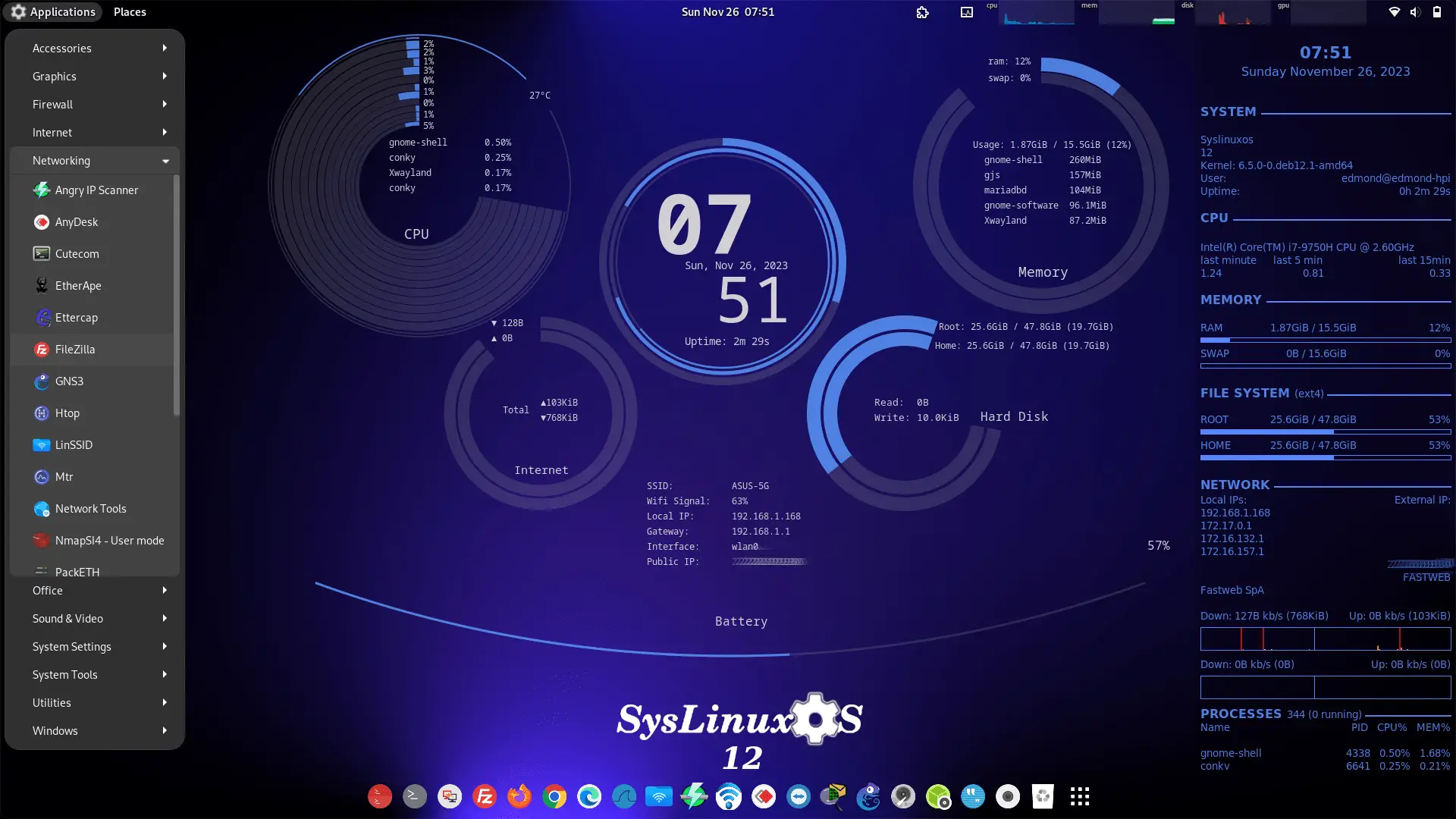
SysLinuxOS
1. Introduction
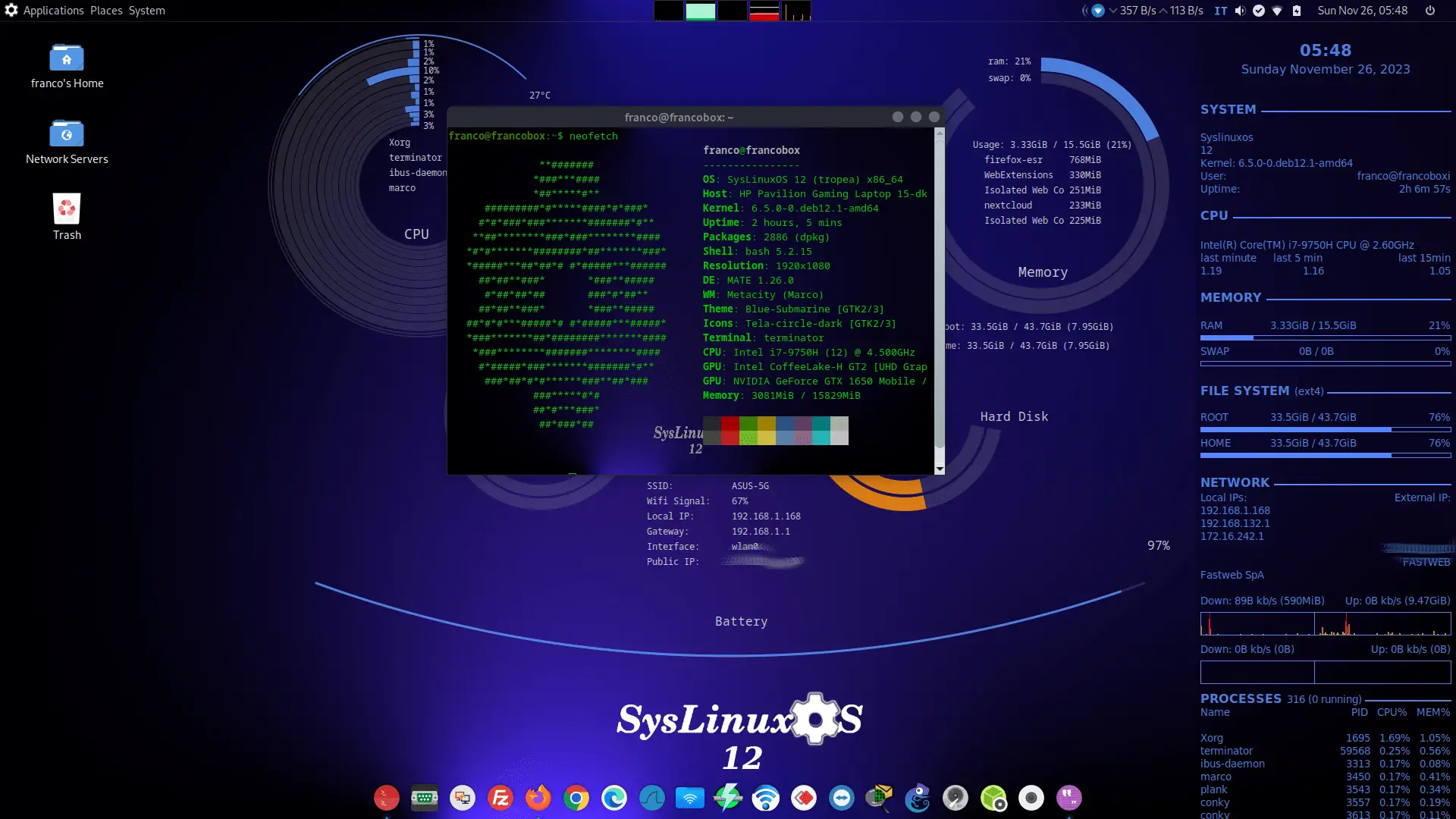
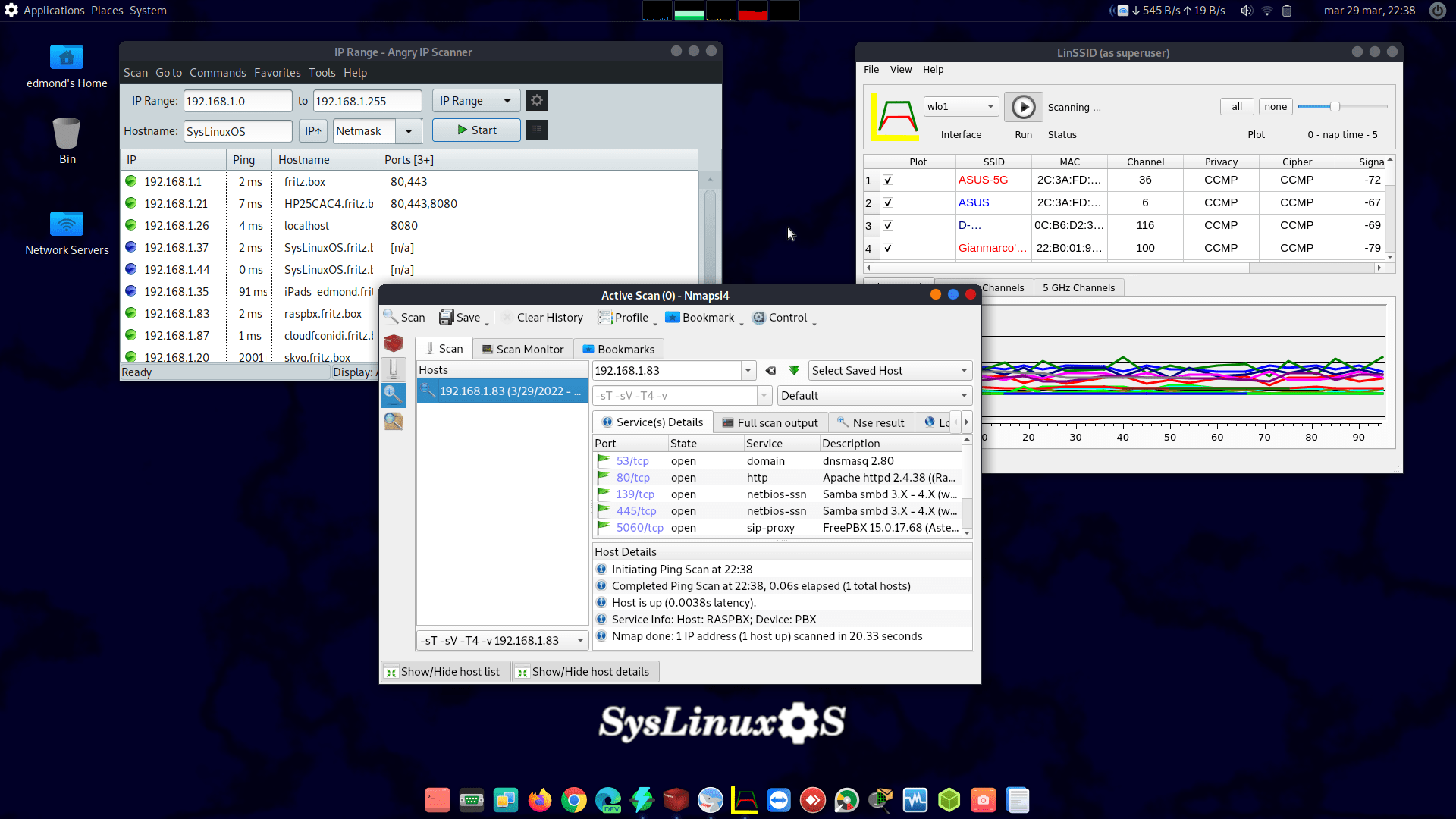
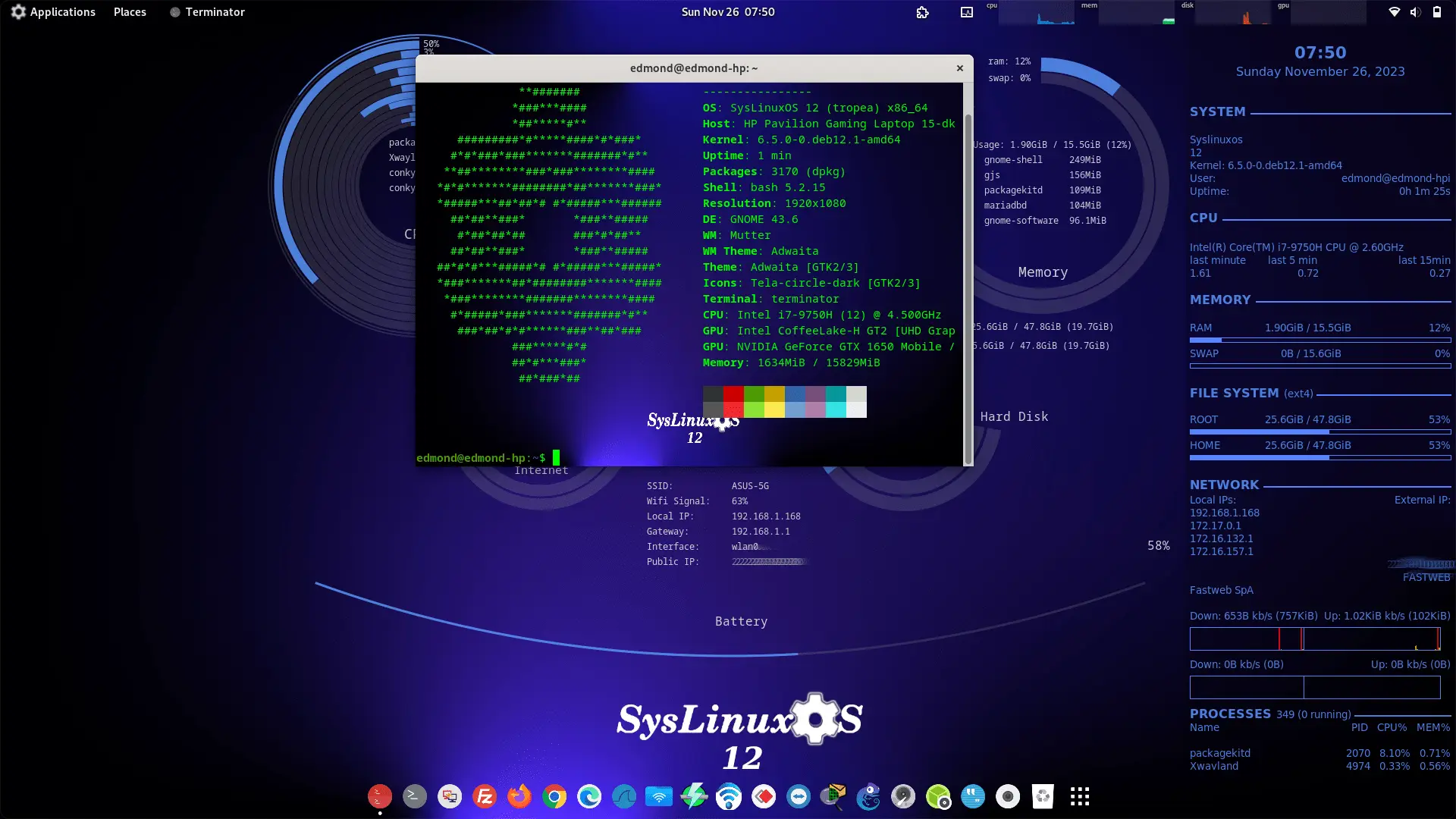
SysLinuxOS is a Debian-based GNU/Linux live distribution designed for system integrators and system administrators. It provides a complete, preconfigured operating environment for networking, diagnostics, monitoring, virtualization, and system integration tasks.
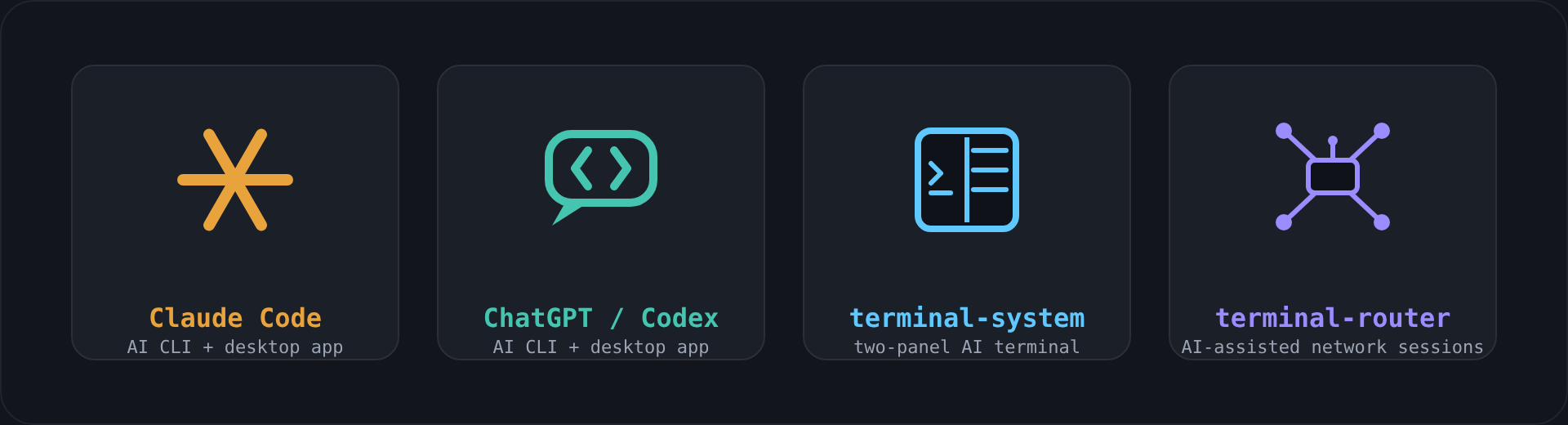
SysLinuxOS is built to be immediately usable in both live and installed modes. All core components and tools required for professional workflows are included by default, minimizing setup time and configuration overhead. Starting with version 13.2, the system is built on btrfs with a fully integrated snapshot, rollback, and backup layer that protects the installation from the very first boot. Starting with version 13.3, every Live image also ships ready to use with Claude Code and the Claude desktop app, Codex (CLI) and the ChatGPT desktop app — giving system integrators an AI agent with real access to the running system for diagnostics and recovery, alongside two native tools built for the same purpose: terminal-system and terminal-router.
2. Project Scope and Objectives
The primary objective of SysLinuxOS is to deliver a ready-to-use professional system based on Debian, optimized for technical operations rather than general desktop usage.
Design goals include:
- Full Debian compatibility
- Immediate operational readiness
- Predictable and reproducible system behavior
- Stable and maintainable system architecture
- Built-in data safety through snapshots and rollback
- Comprehensive tooling for system integration and administration
SysLinuxOS targets environments where rapid deployment and reliable diagnostics are required.
3. Base System
SysLinuxOS is built on the Debian GNU/Linux distribution and adheres to Debian standards for packaging, filesystem hierarchy, and system configuration.
Key characteristics:
- Debian-based userland
- Official Debian repositories
btrfs as the default filesystem (@ for root, @home for home)- live-build–based ISO creation
- No external or proprietary build systems
This approach ensures long-term maintainability and compatibility with the Debian ecosystem.
4. Kernel
SysLinuxOS uses the last Debian Backports kernel (7.0.7+deb13-amd64) instead of the standard stable Debian kernel.
Rationale:
- Newer kernel sourced directly from official Debian Backports
- Extended and more recent hardware support
- Improved support for modern networking and storage devices
- Remains entirely within the Debian ecosystem, with no third-party build systems
The backports kernel is selected to improve hardware compatibility and responsiveness without compromising the maintainability of the system.
5. Storage, Snapshots and Recovery
SysLinuxOS rebuilds storage, backup, recovery, and boot around btrfs, with everything preconfigured and active from the first boot.
5.1 btrfs by Default
New installations use btrfs with the standard @ (root) and @home (home) subvolumes. Calamares handles the partitioning and subvolume layout automatically during the guided installation — no manual setup is required.
5.2 Snapper (Preconfigured and Active)
- A clean baseline snapshot is created at the end of installation.
- Every
apt install, upgrade, or remove operation creates a pre/post snapshot pair. - Boot snapshots are taken automatically on each system start.
- A timeline keeps daily, weekly, and monthly snapshots.
All of this works with zero configuration, with sensible retention limits that respect any custom values set by the user on upgrade.
5.3 GRUB Snapshot Menu and Rollback
Through grub-btrfs, a “SysLinuxOS snapshots” submenu appears in the boot menu and updates on every update-grub. Each snapshot boots in read-only recovery mode, ready for syslinuxos-rollback — the custom one-command rollback tool that renames the old @ to a timestamped backup, creates a new writable @ from the chosen snapshot, and preserves the previous snapshot history.
5.4 Multiple Installations on One Disk
A custom, os-prober-independent solution lists kernels and snapshots from all SysLinuxOS installations on the same disk — resolving a long-standing btrfs/os-prober limitation in Debian. It runs alongside os-prober without conflicts and can be disabled from /etc/default/grub.
5.5 Versioned External Backups
The distroclone-backup tool turns backups to a btrfs destination into a snapper snapshot chain (full baseline plus incrementals, with restore of any version), and falls back automatically to classic rsync on ext4/xfs destinations.
6. Boot and System Detection
6.1 OS-Prober
Unlike Debian 13, SysLinuxOS enables OS-Prober by default for ext4/xfs installations, while btrfs installations are handled by the dedicated detection scripts described in section 5.4. This allows automatic detection of other operating systems during GRUB configuration, simplifying multi-boot installations.
6.2 Faster, Cleaner Boot
- The previous ~1m41s Live boot stall on the Samba NMB Daemon is eliminated (the
nmbd/smbd services are disabled in the build chroot; SMB clients keep working). - No Plymouth splash — a direct, faster, more transparent boot.
6.3 Firmware Support
SysLinuxOS supports both:
- Legacy BIOS systems
- UEFI-based systems
7. Network Configuration
7.1 Interface Naming
SysLinuxOS restores traditional network interface naming conventions:
eth0, eth1, …wlan0, wlan1, …
This choice simplifies:
- Script portability
- Automation
- Troubleshooting
- Compatibility with existing documentation
7.2 Networking Environment
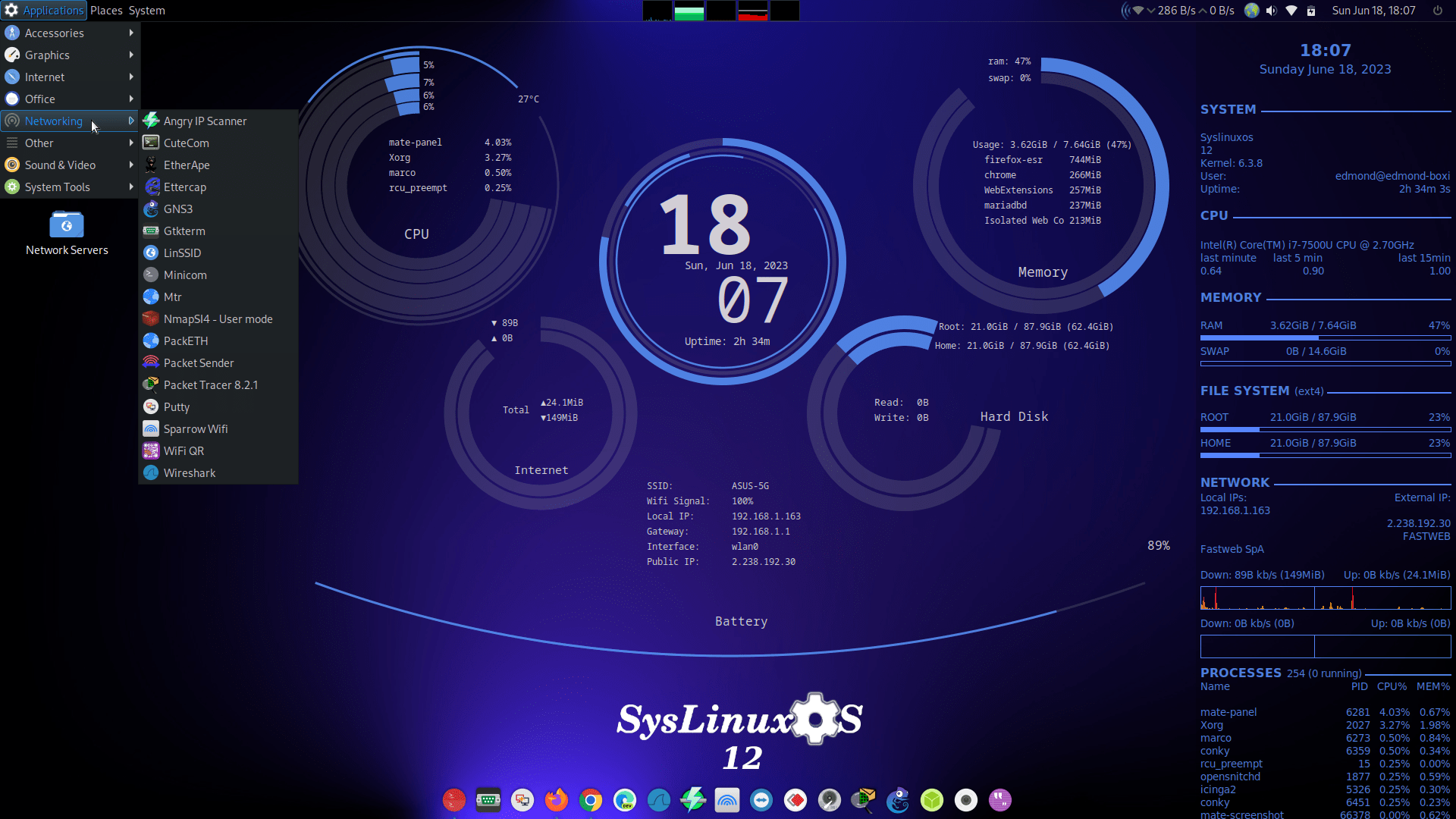
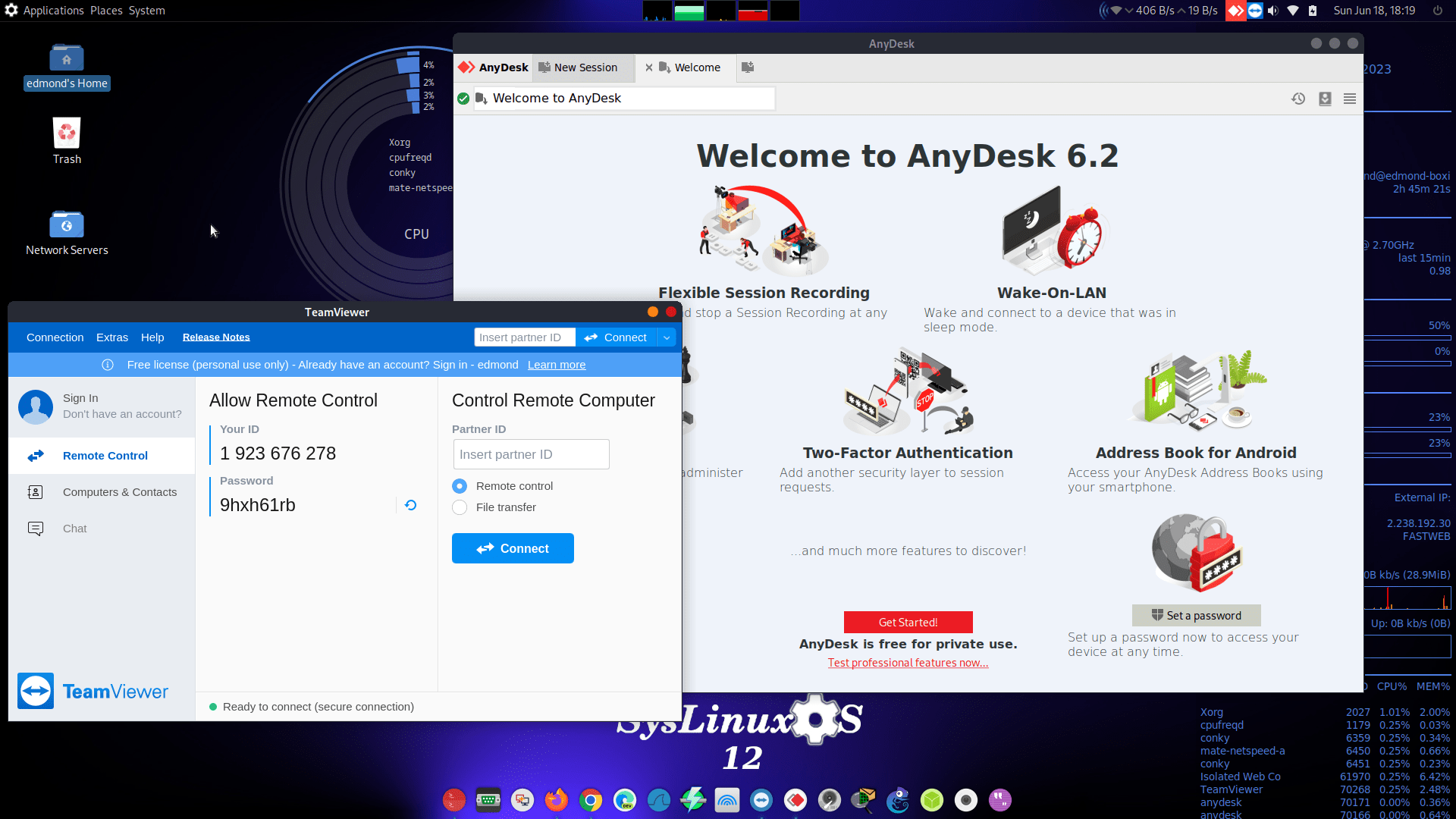
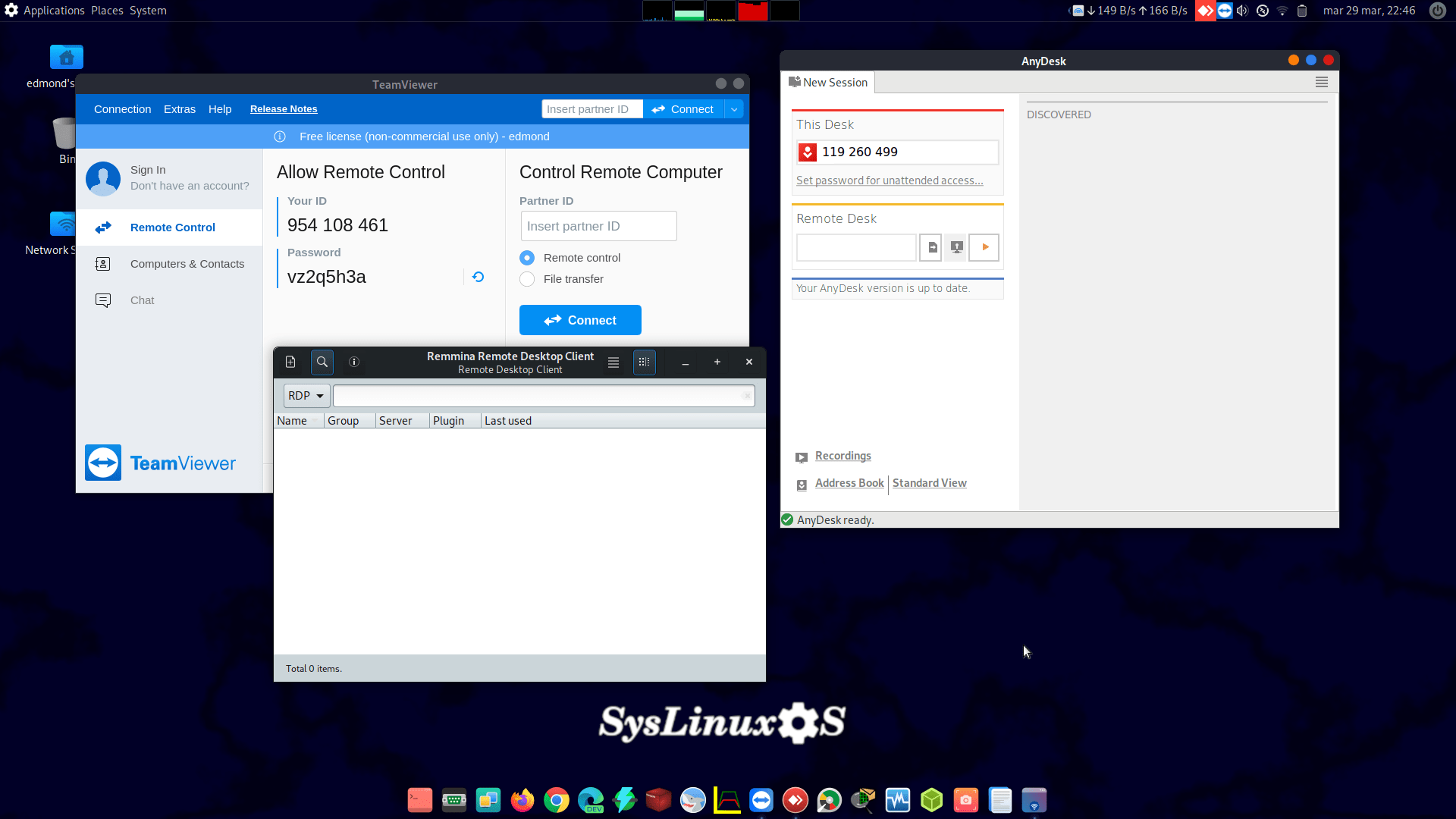
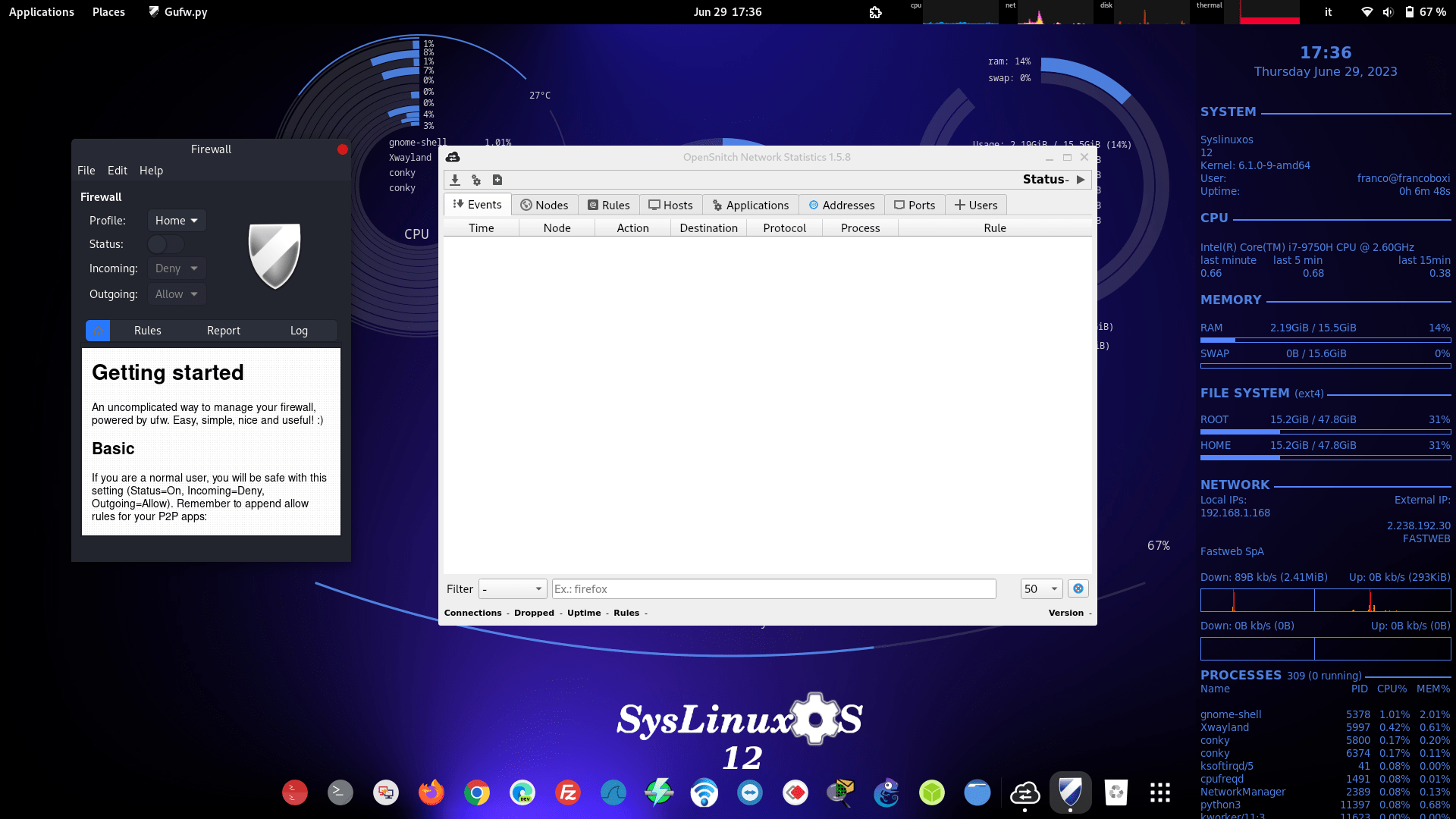
A complete networking environment is provided, including VPN clients, remote access utilities, protocol analyzers, and diagnostic tools.
8. Desktop Environments
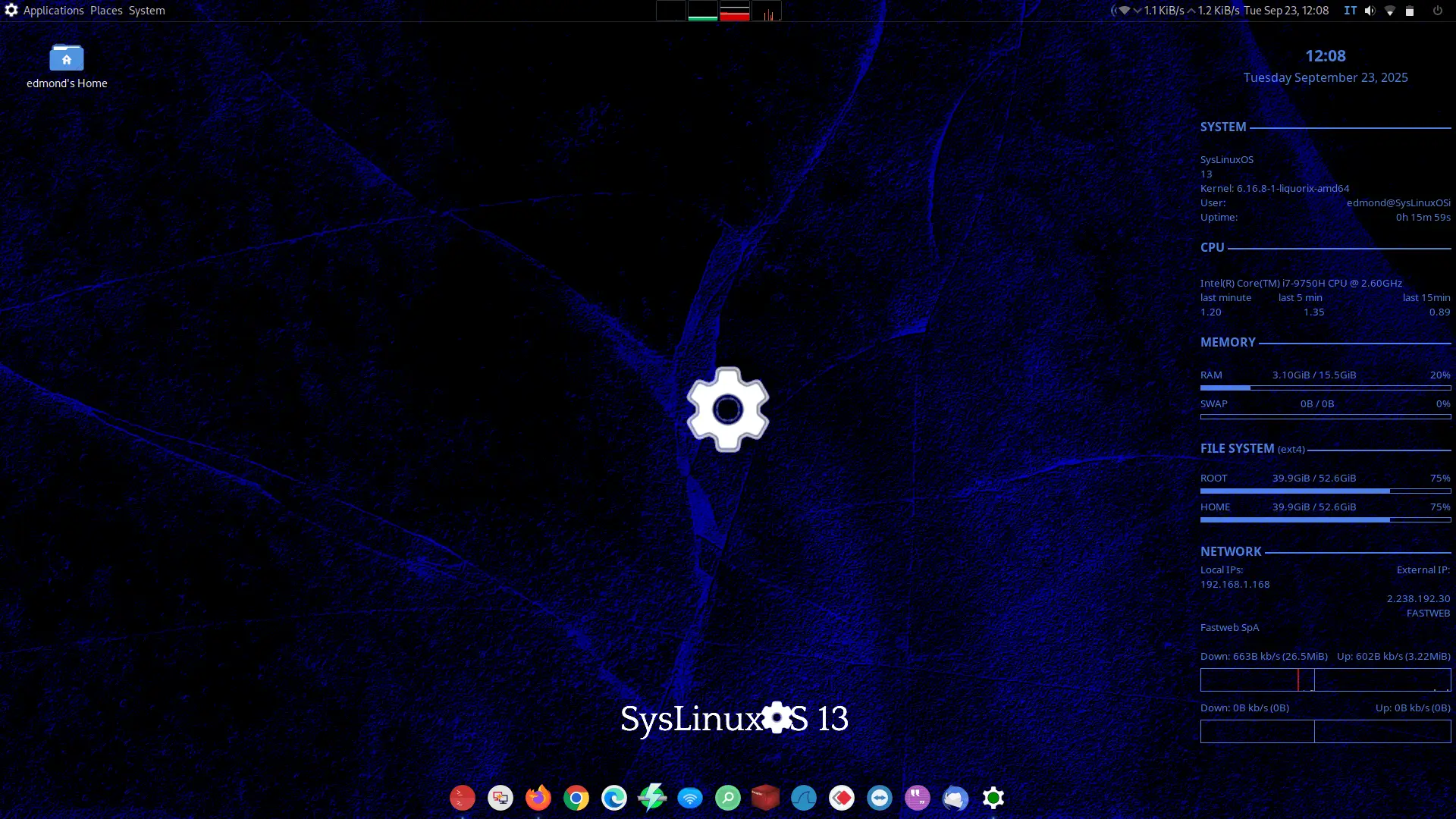
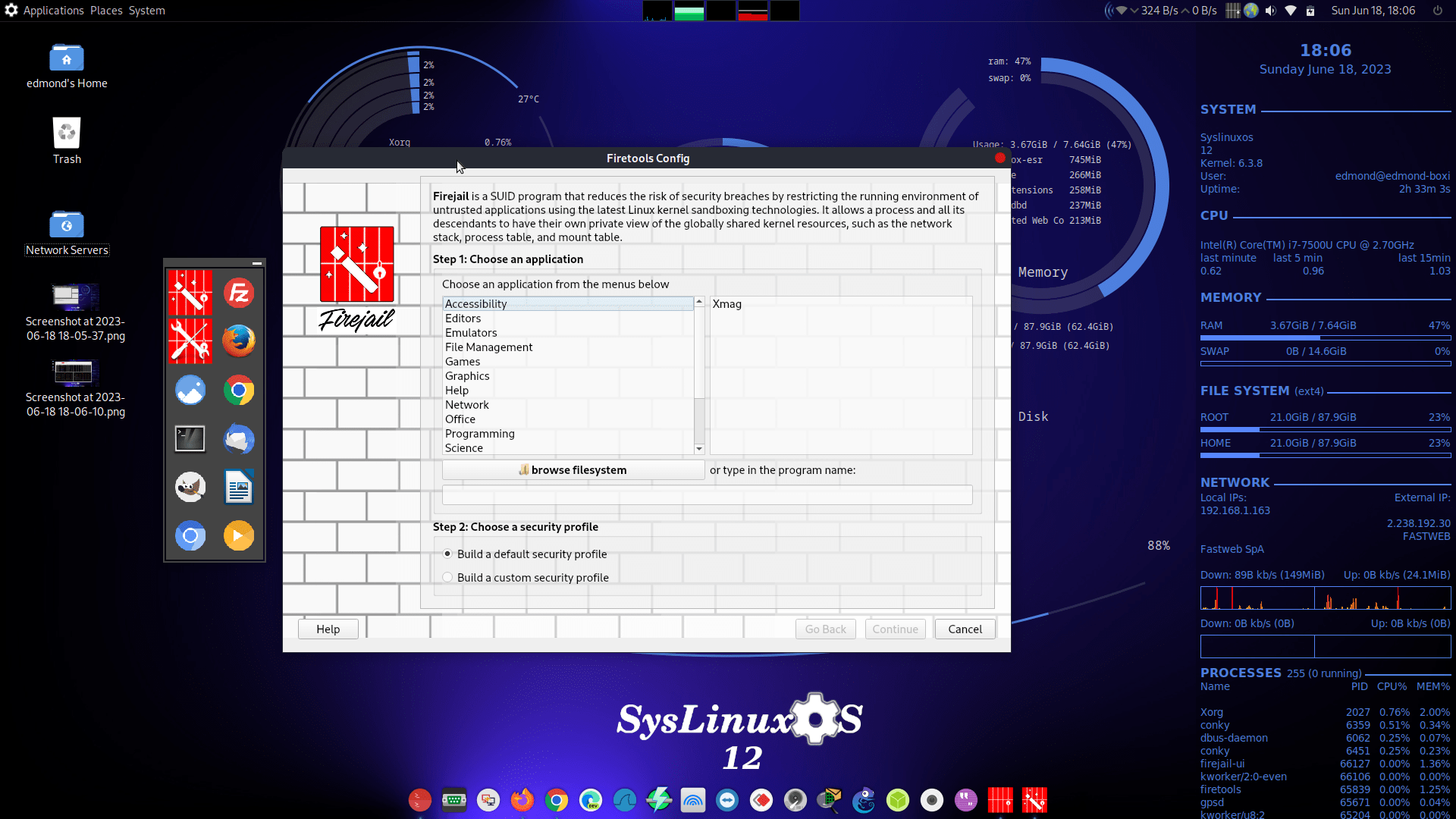
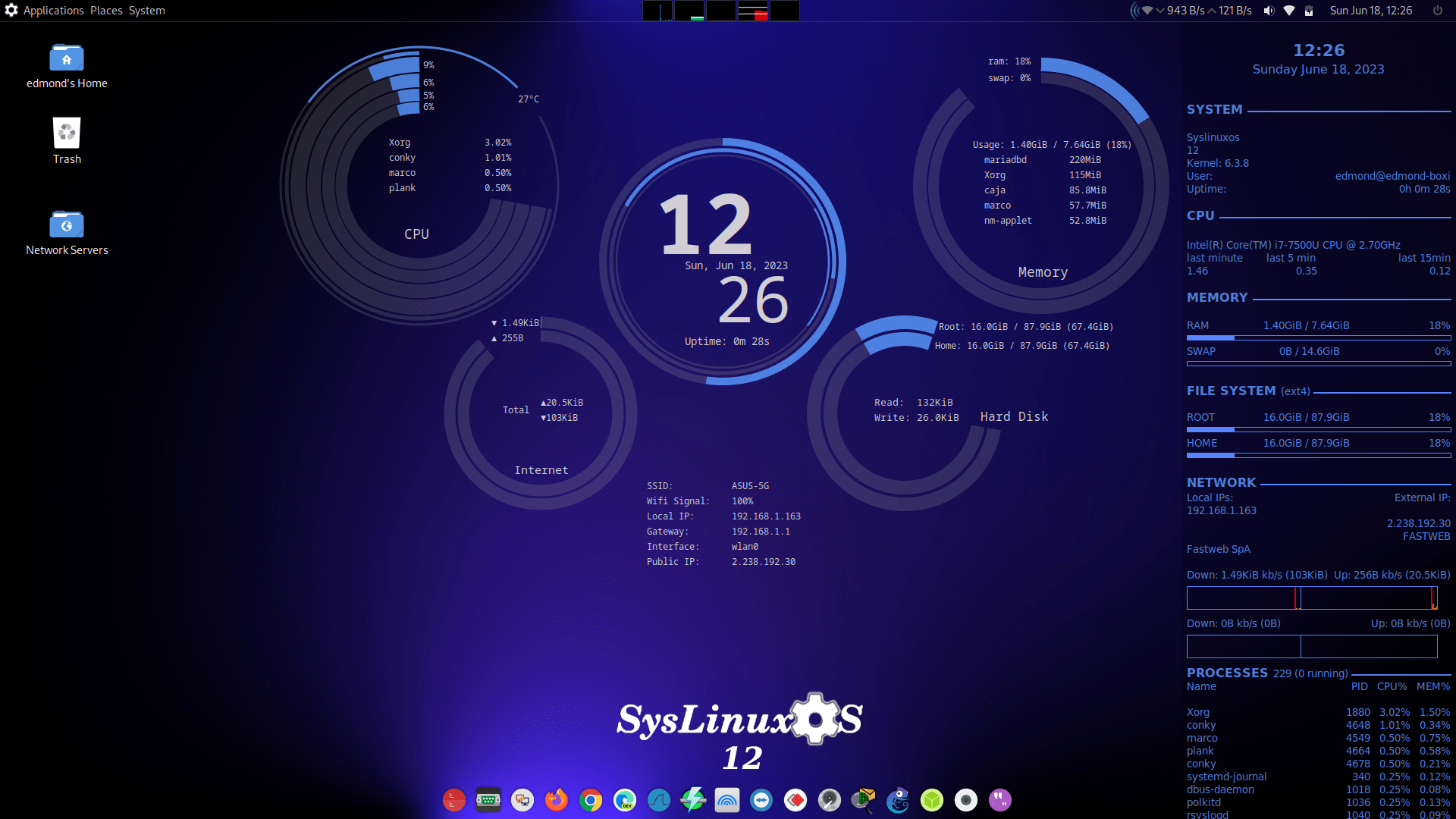
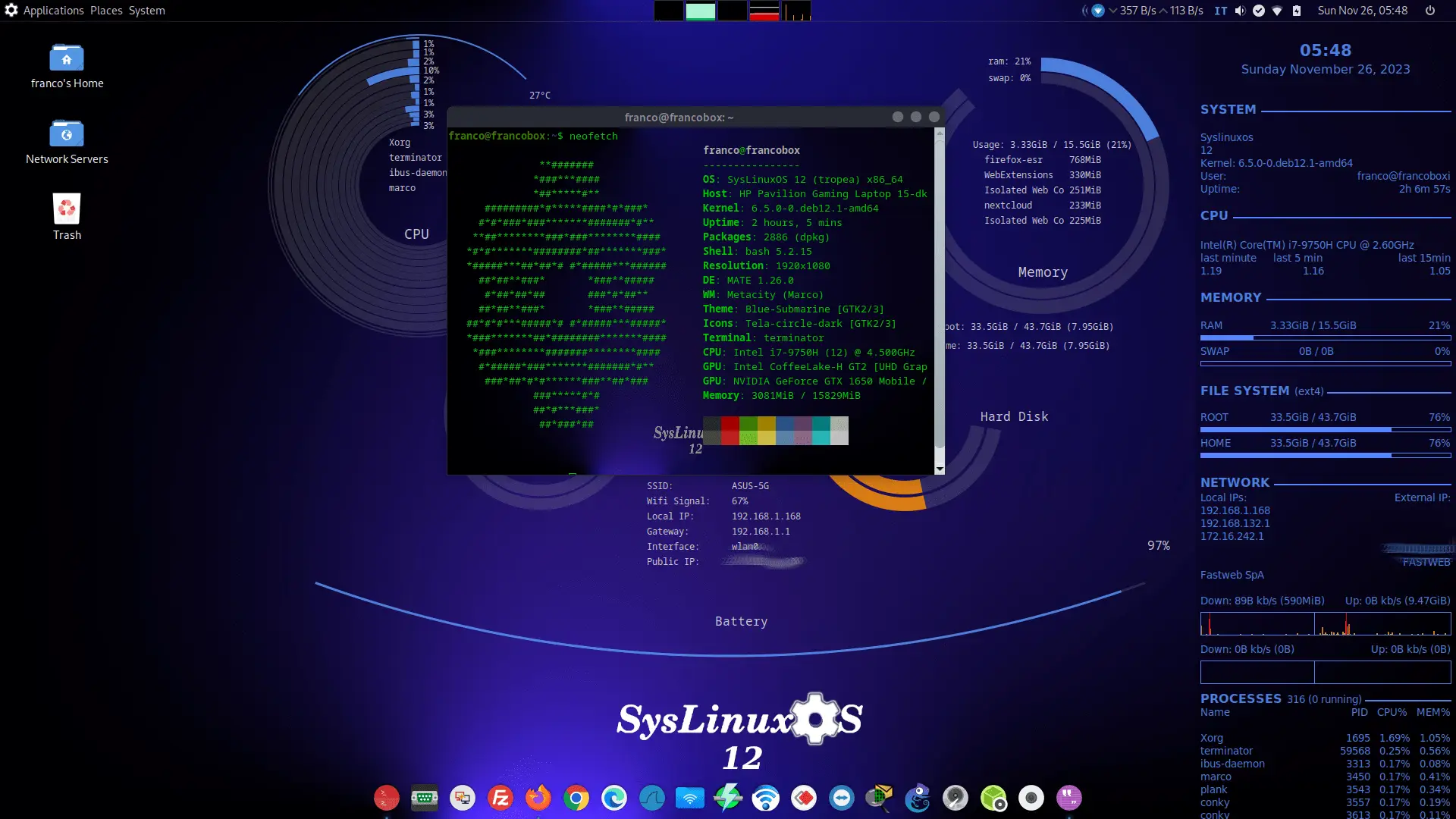
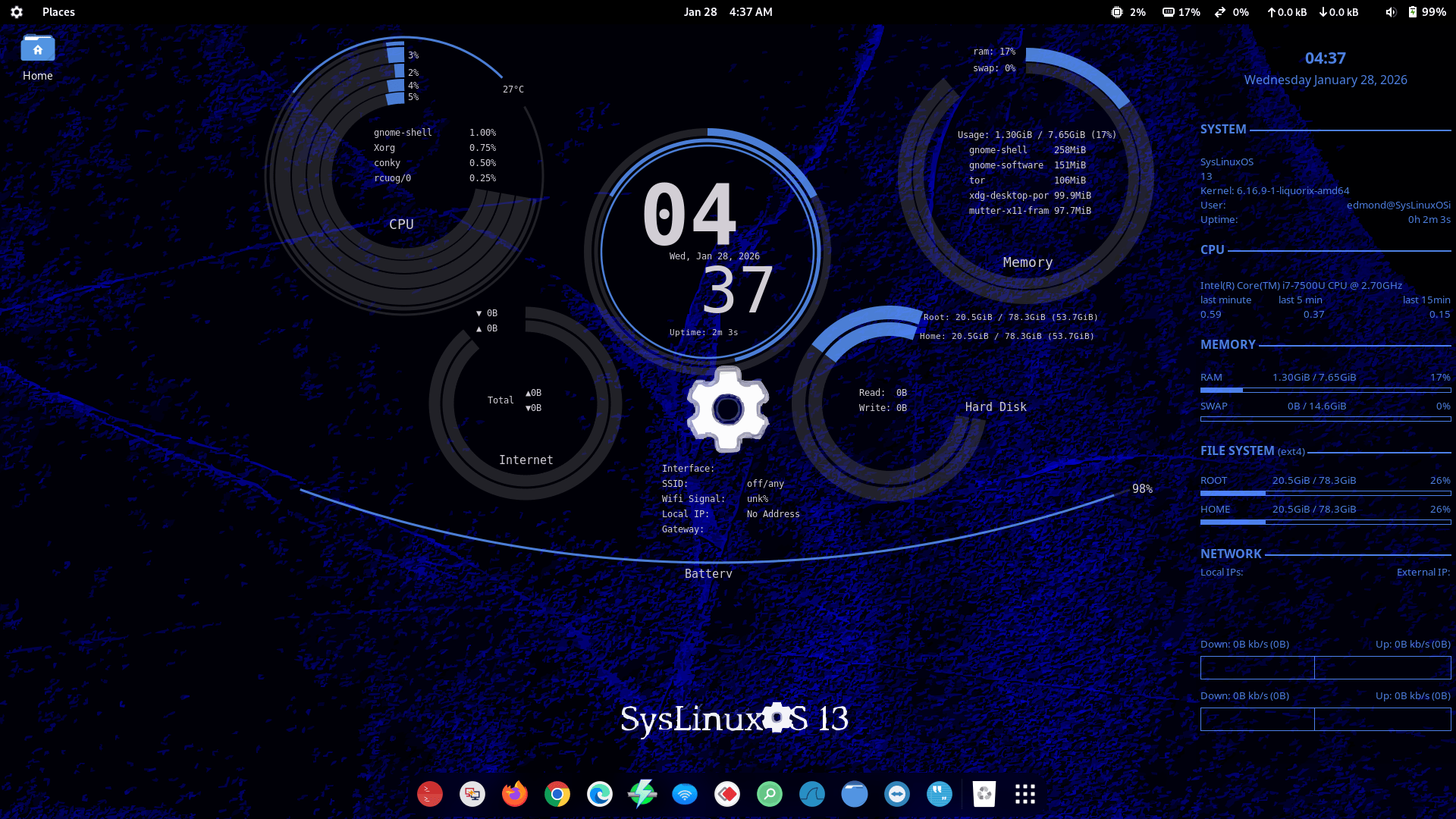
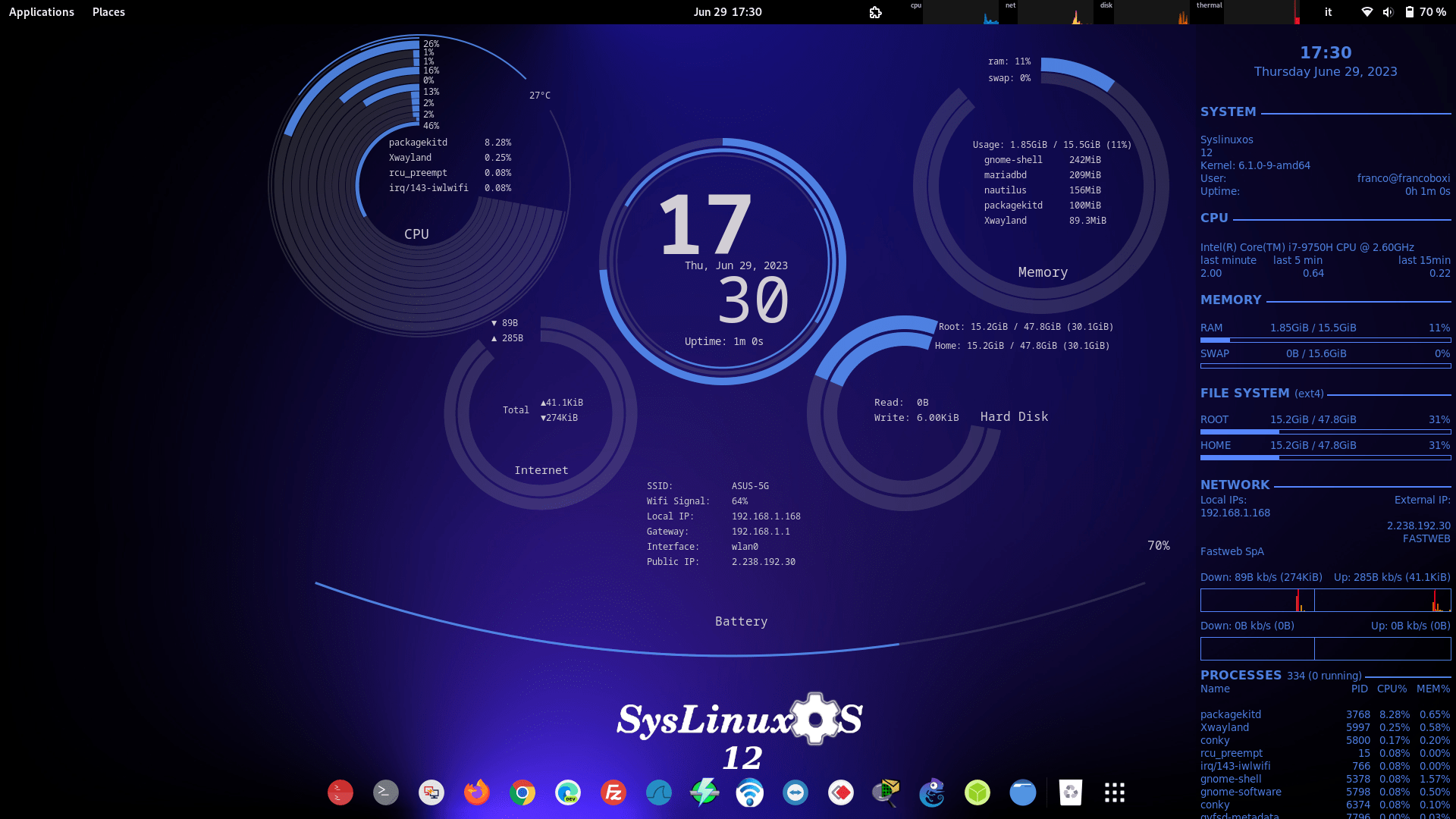
SysLinuxOS provides two desktop environments:
Both environments are:
- Fully preconfigured
- Functionally equivalent
- Aligned in menu structure and tool availability
The desktop environments are intended as operational interfaces for system integration tasks rather than end-user customization.
9. Desktop Usage Considerations
While SysLinuxOS is primarily designed as a professional integration and diagnostic platform, it can also be used as a general-purpose desktop operating system.
This usage scenario is recommended for users who:
- Possess solid Linux system administration skills
- Are familiar with advanced networking and system tools
- Prefer a workstation preloaded with professional utilities
SysLinuxOS is not targeted at beginner users and does not attempt to simplify or abstract advanced system components.
10. Preinstalled Software
SysLinuxOS includes a curated set of professional tools.
10.1 Networking and Diagnostics
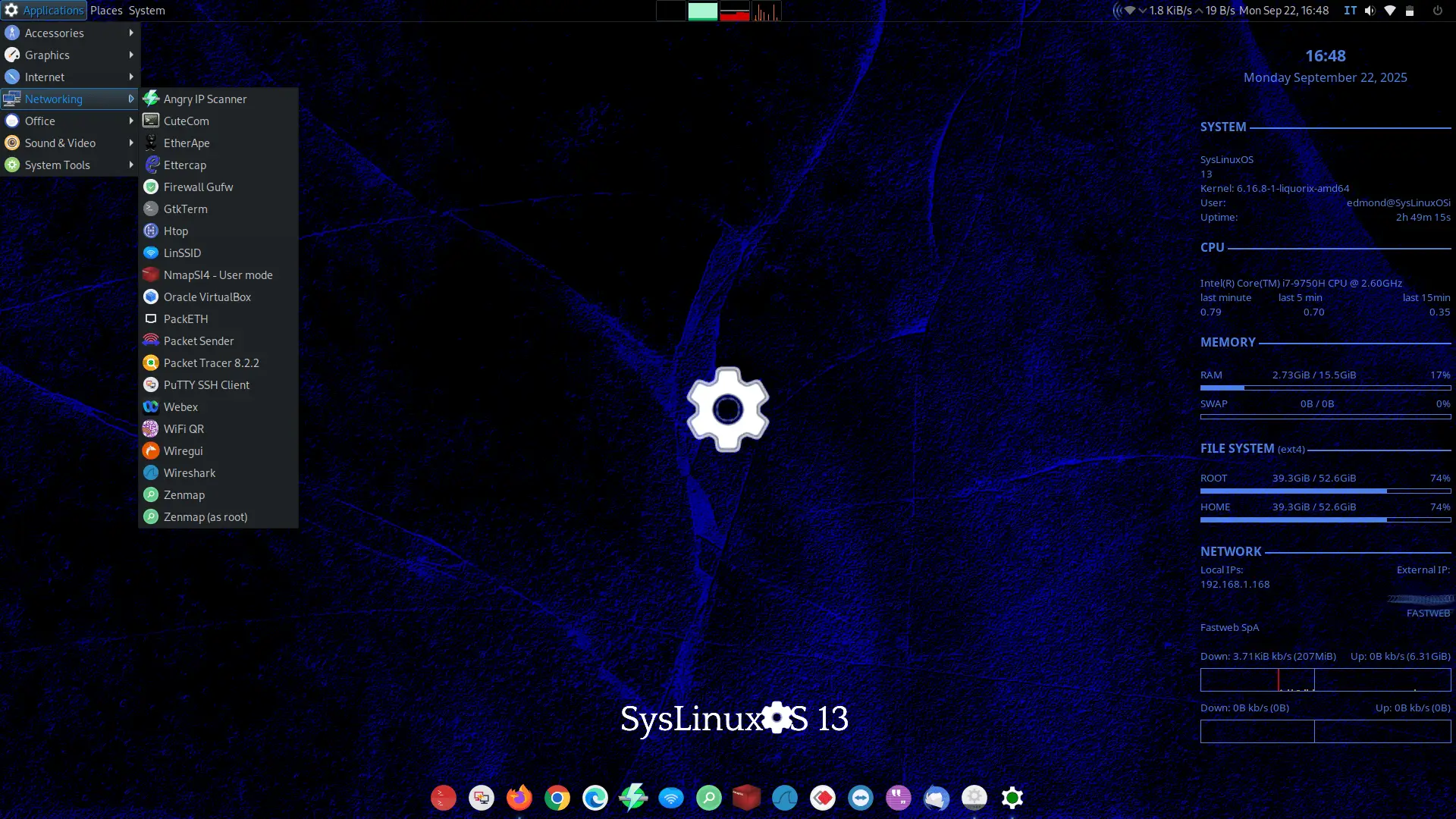
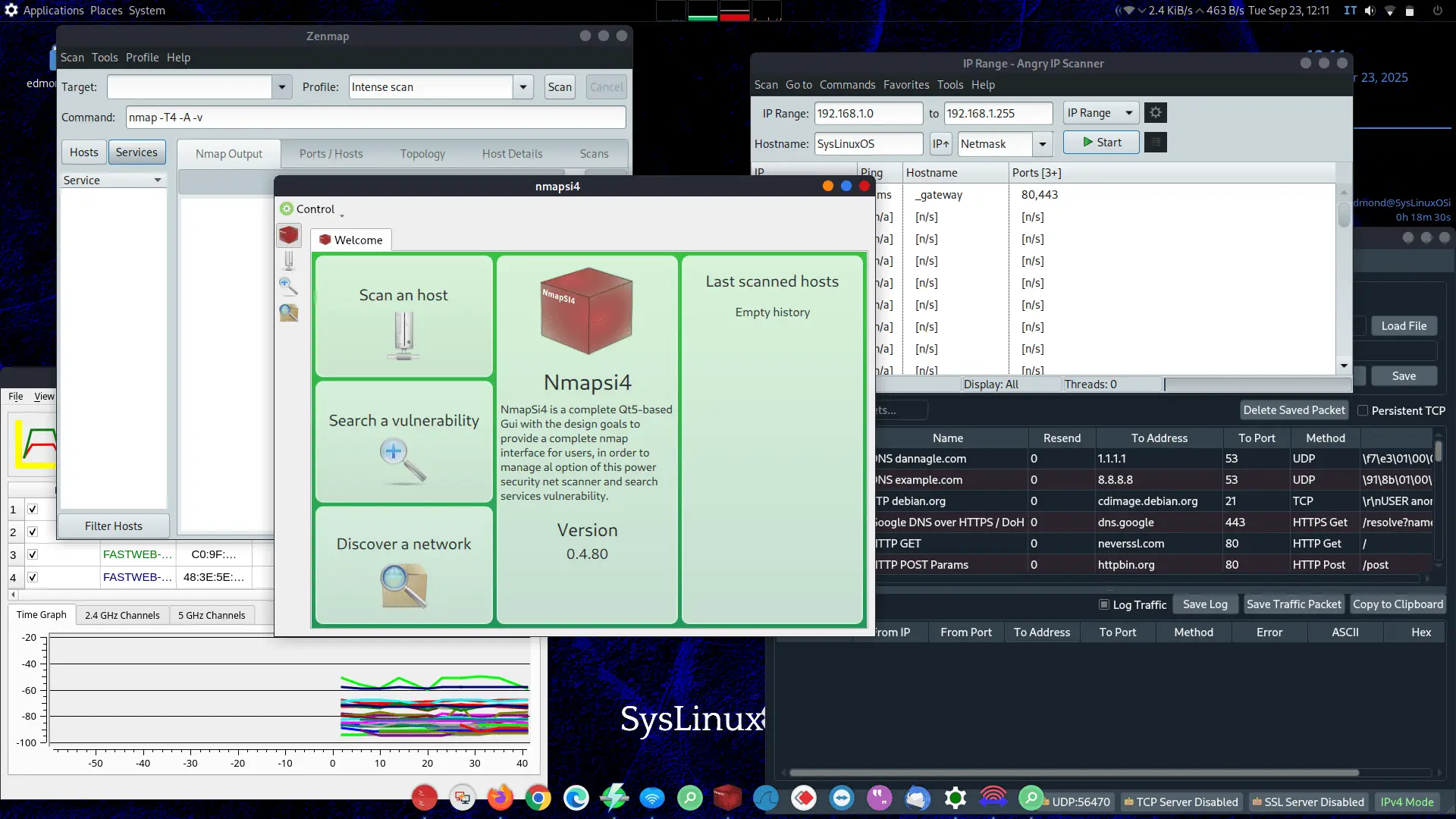
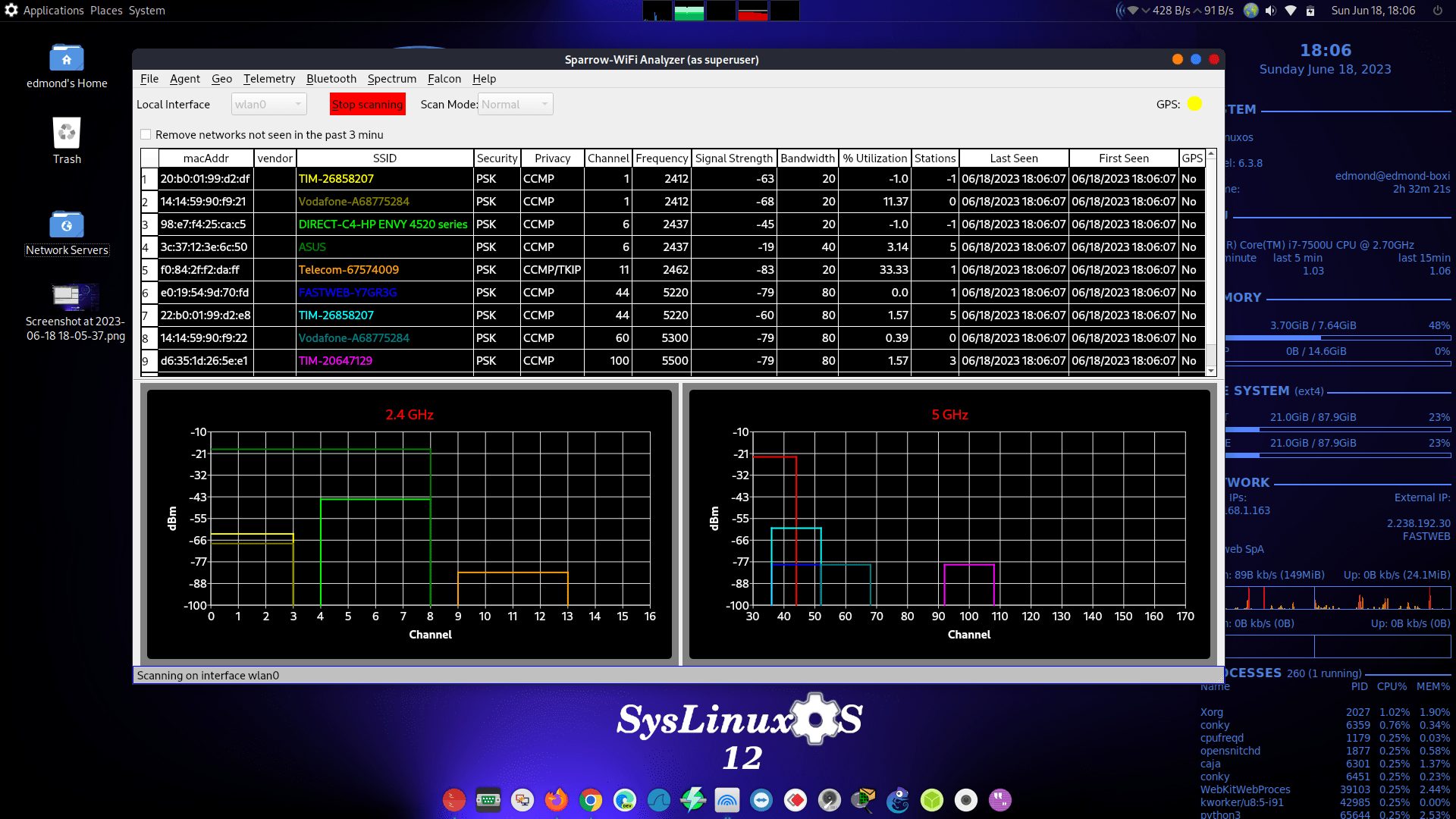
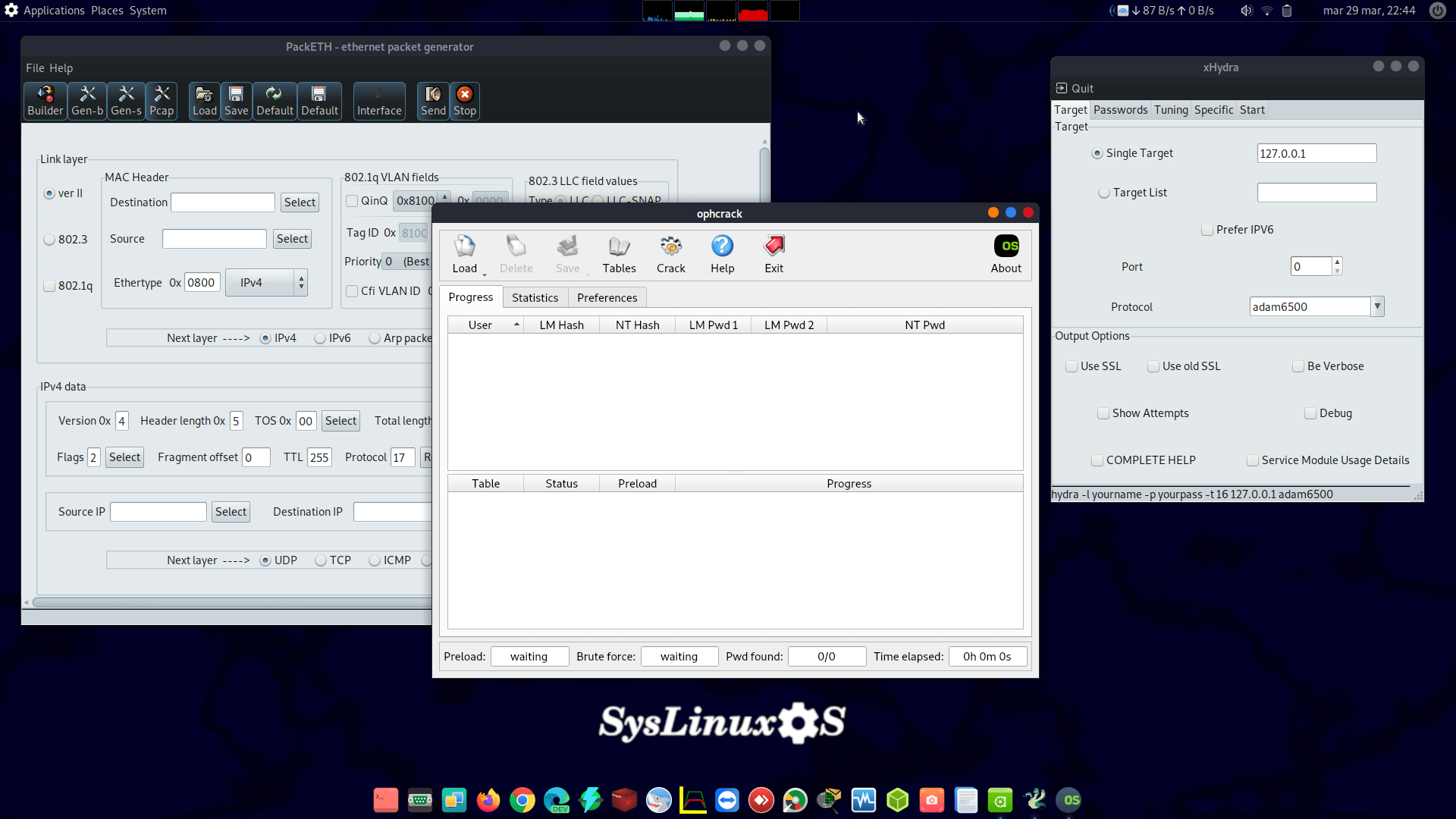
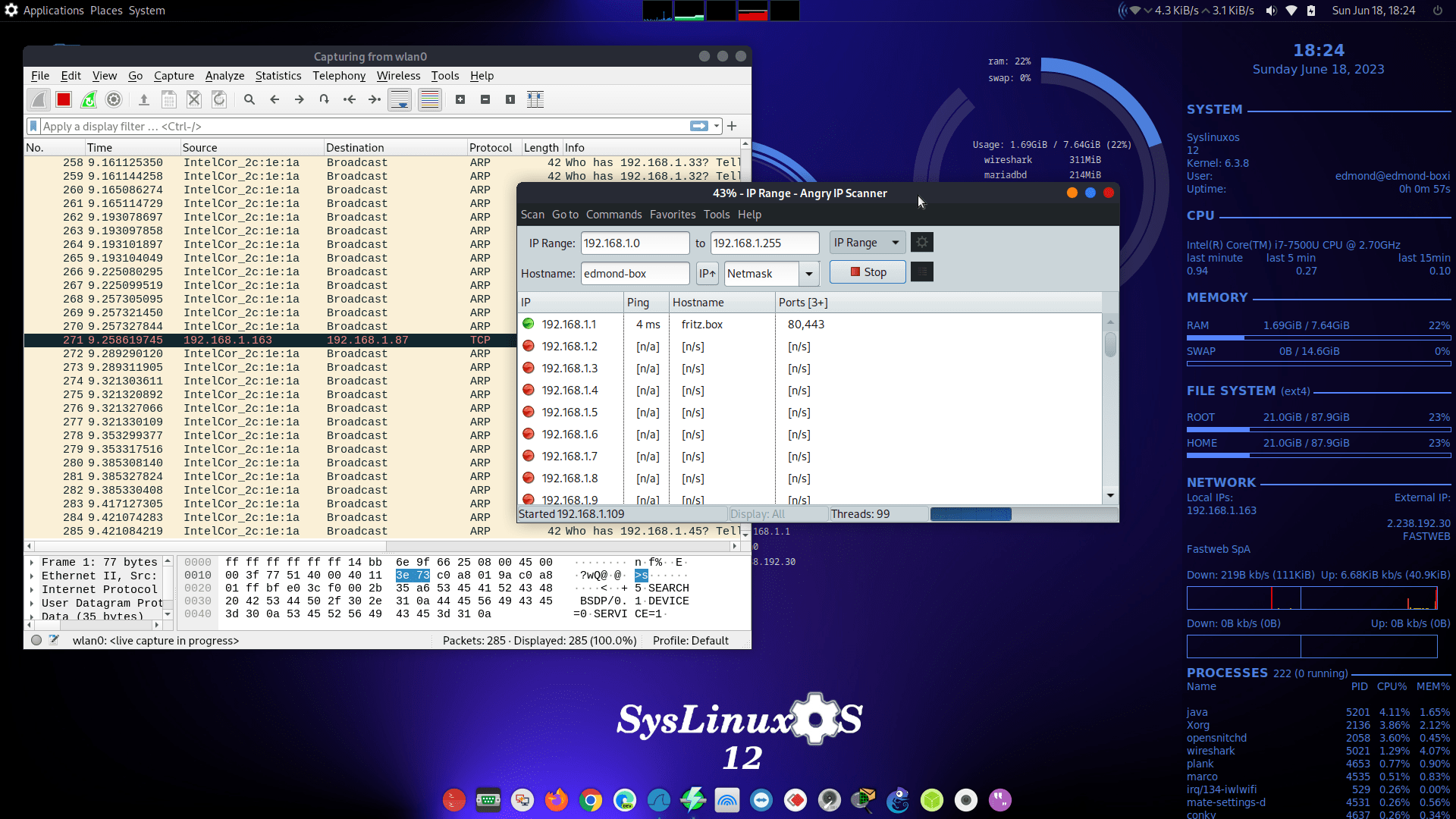
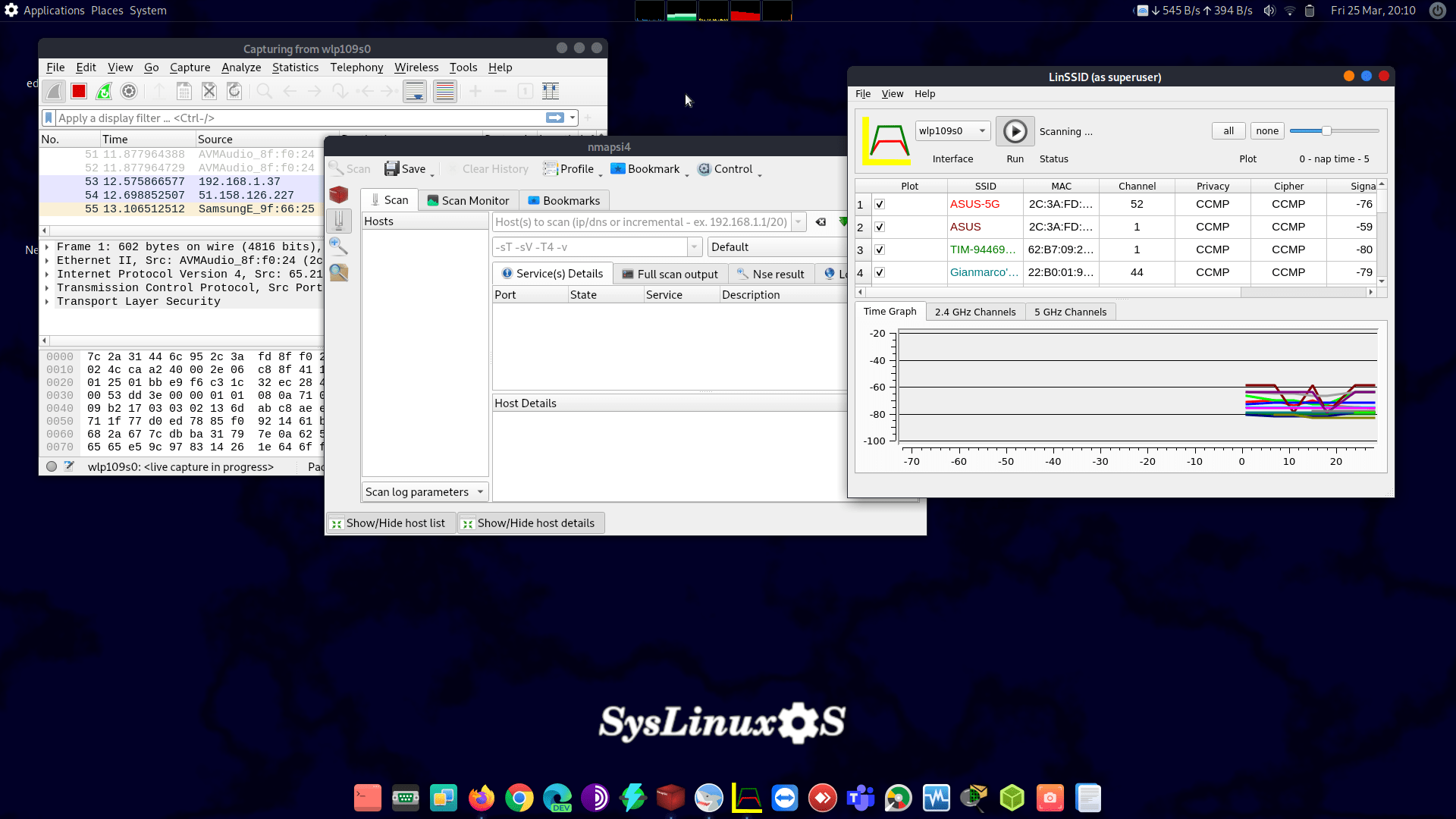
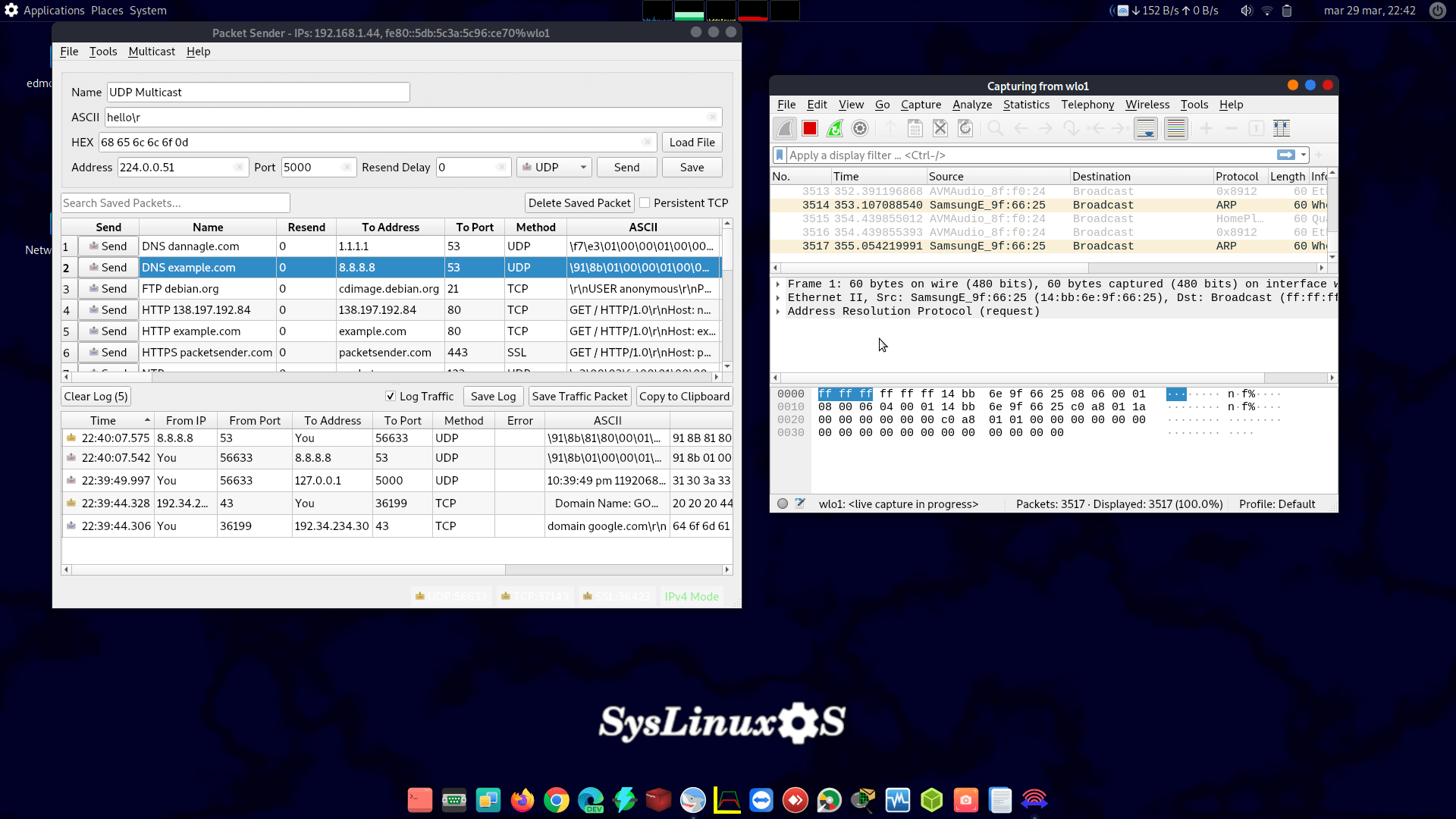
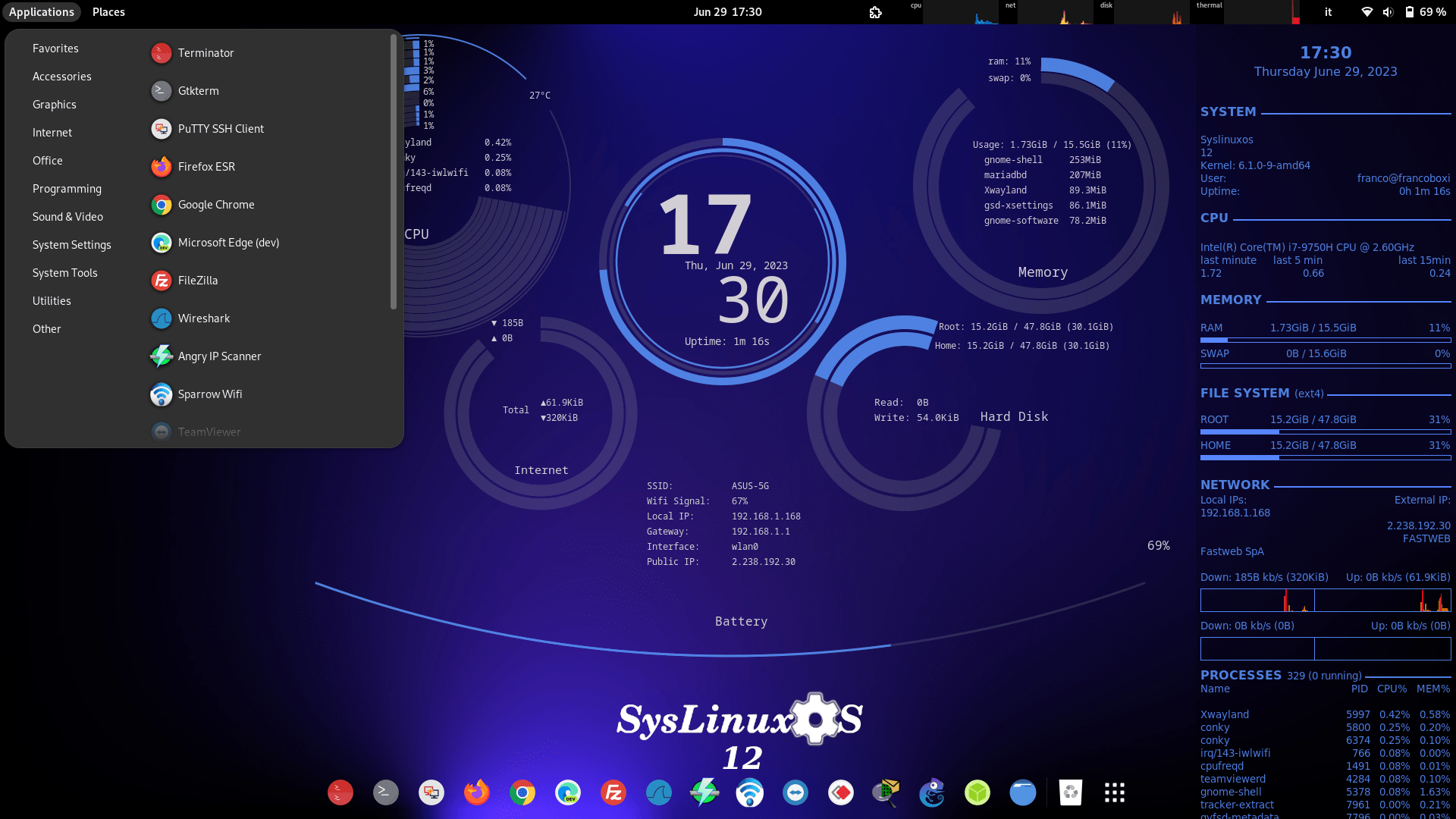
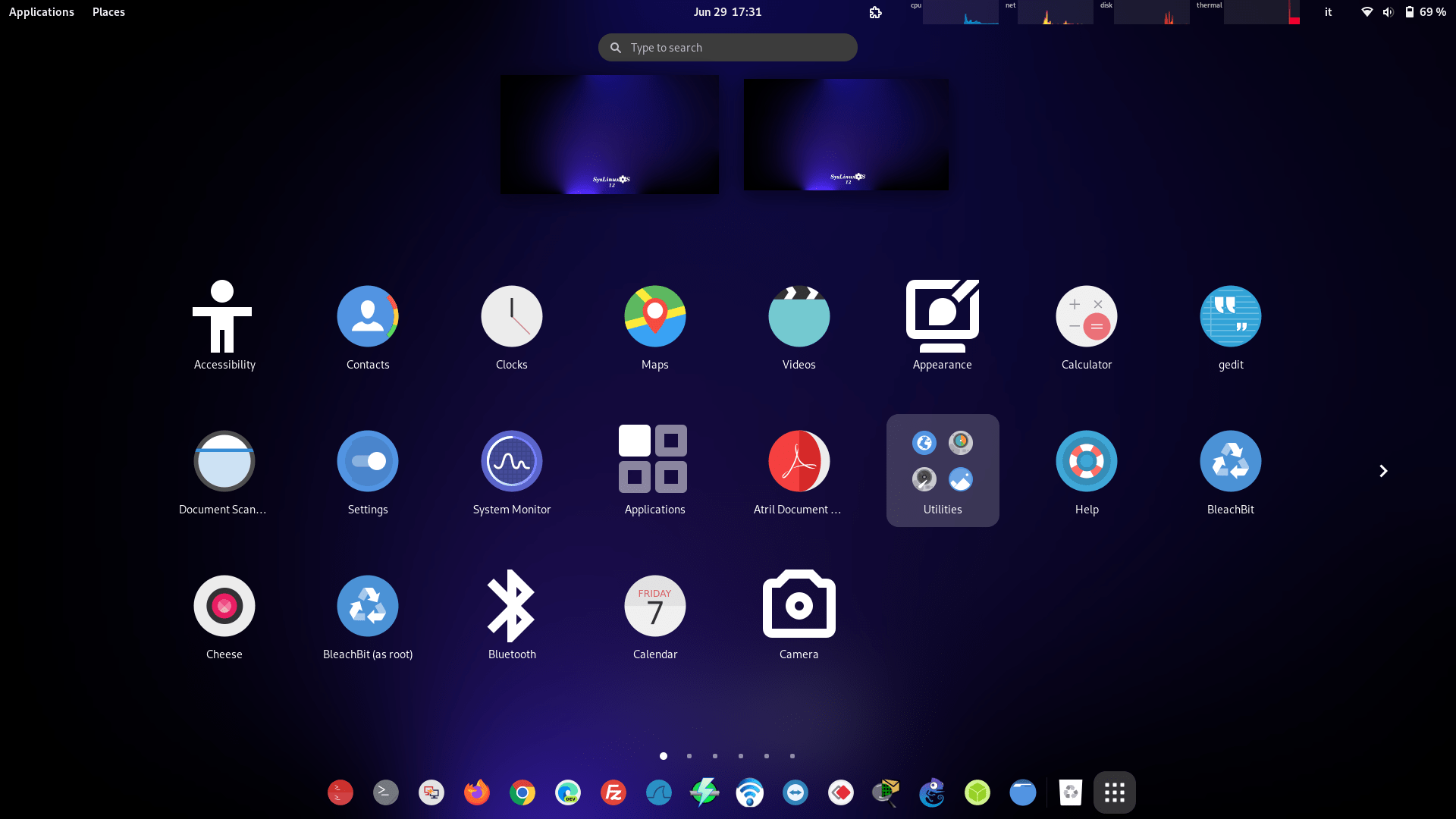
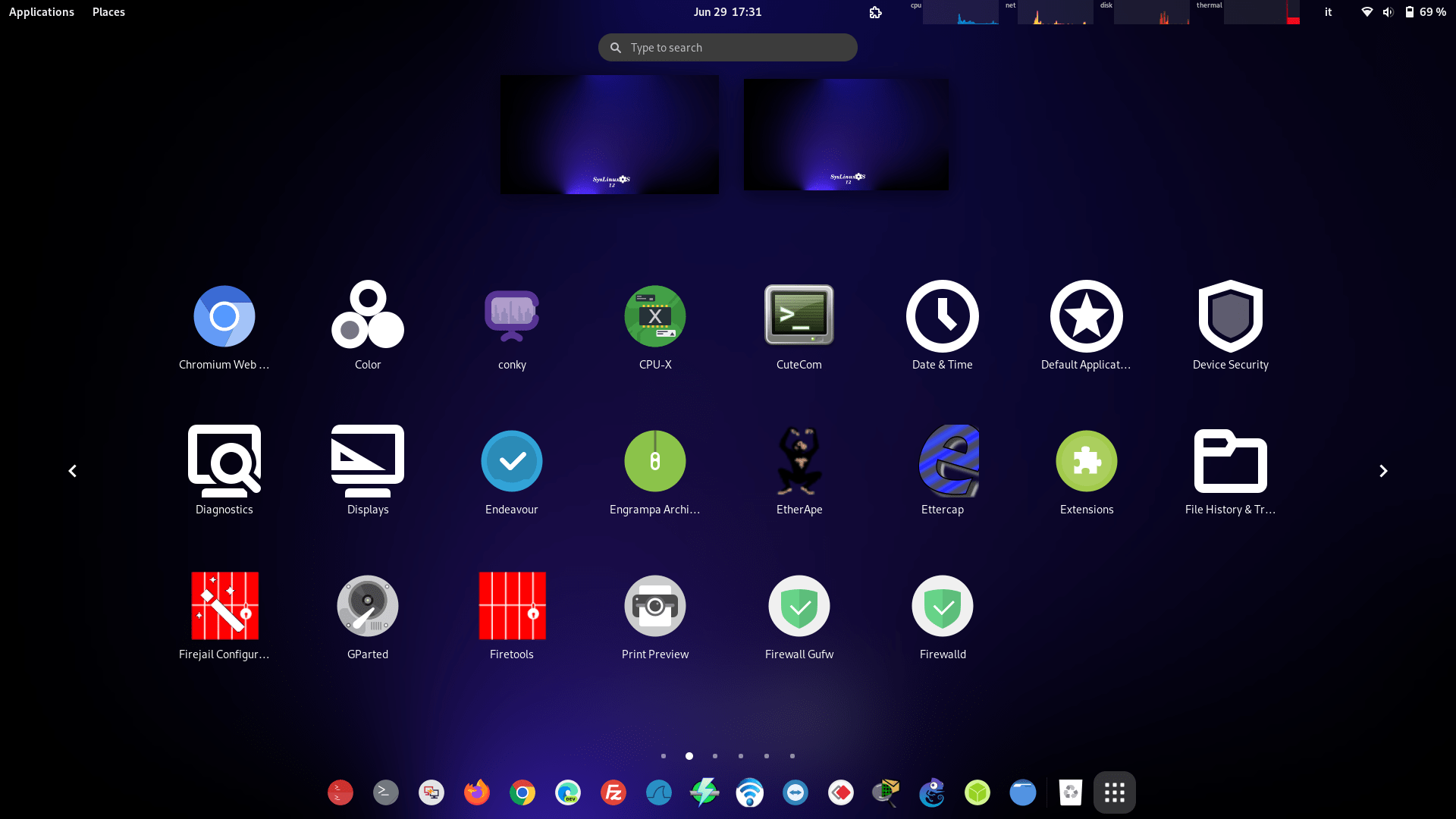
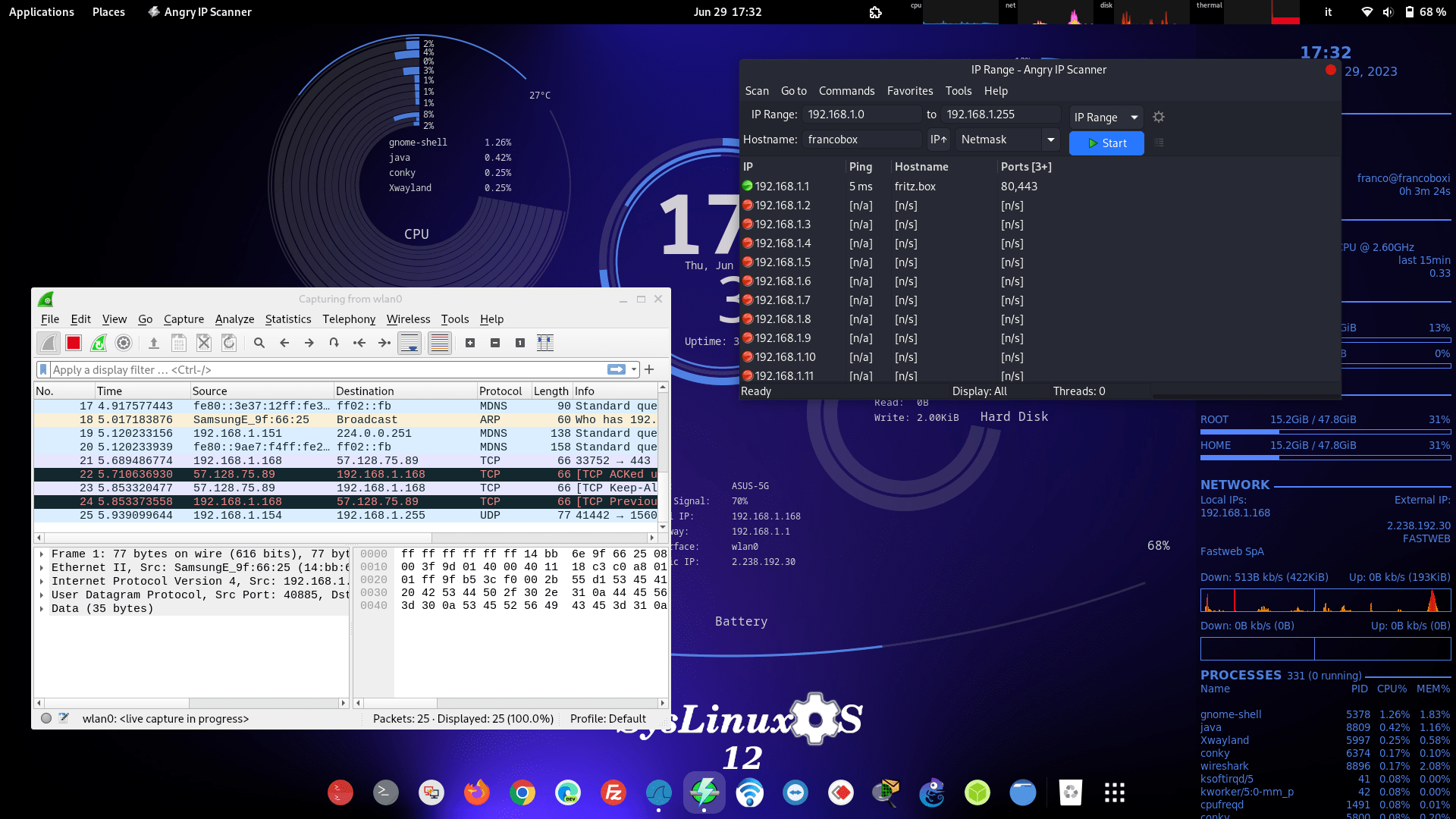
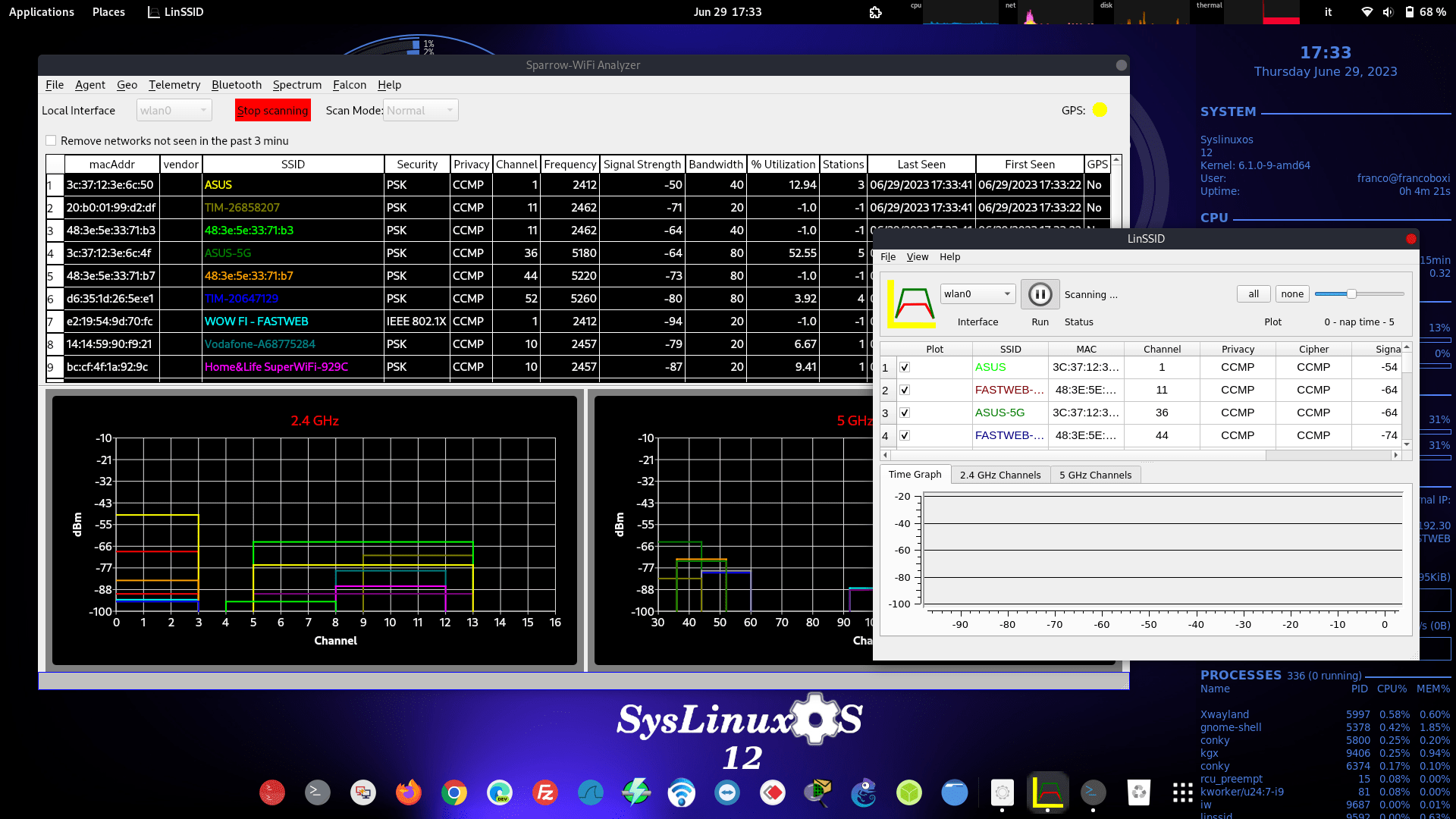
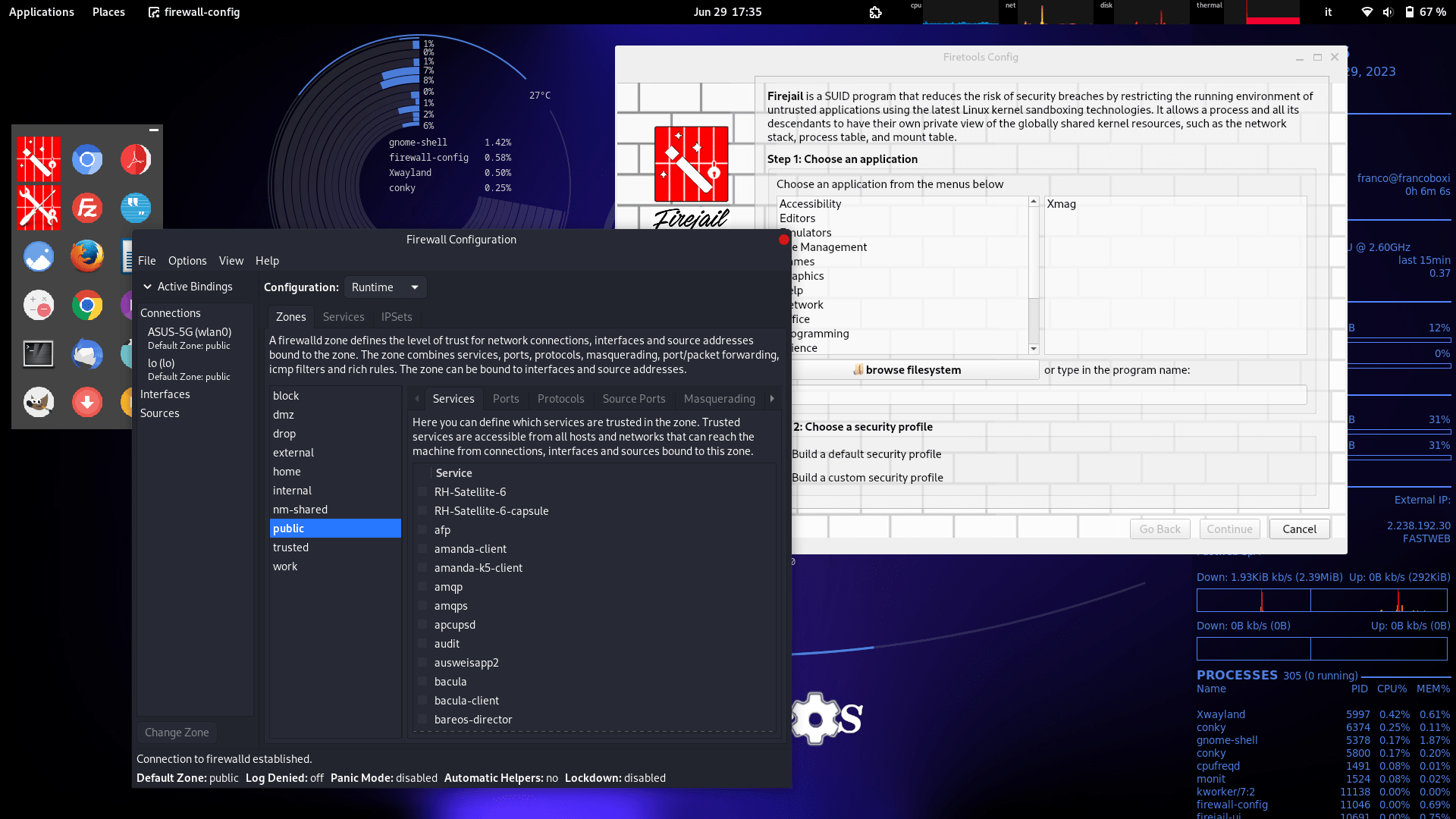
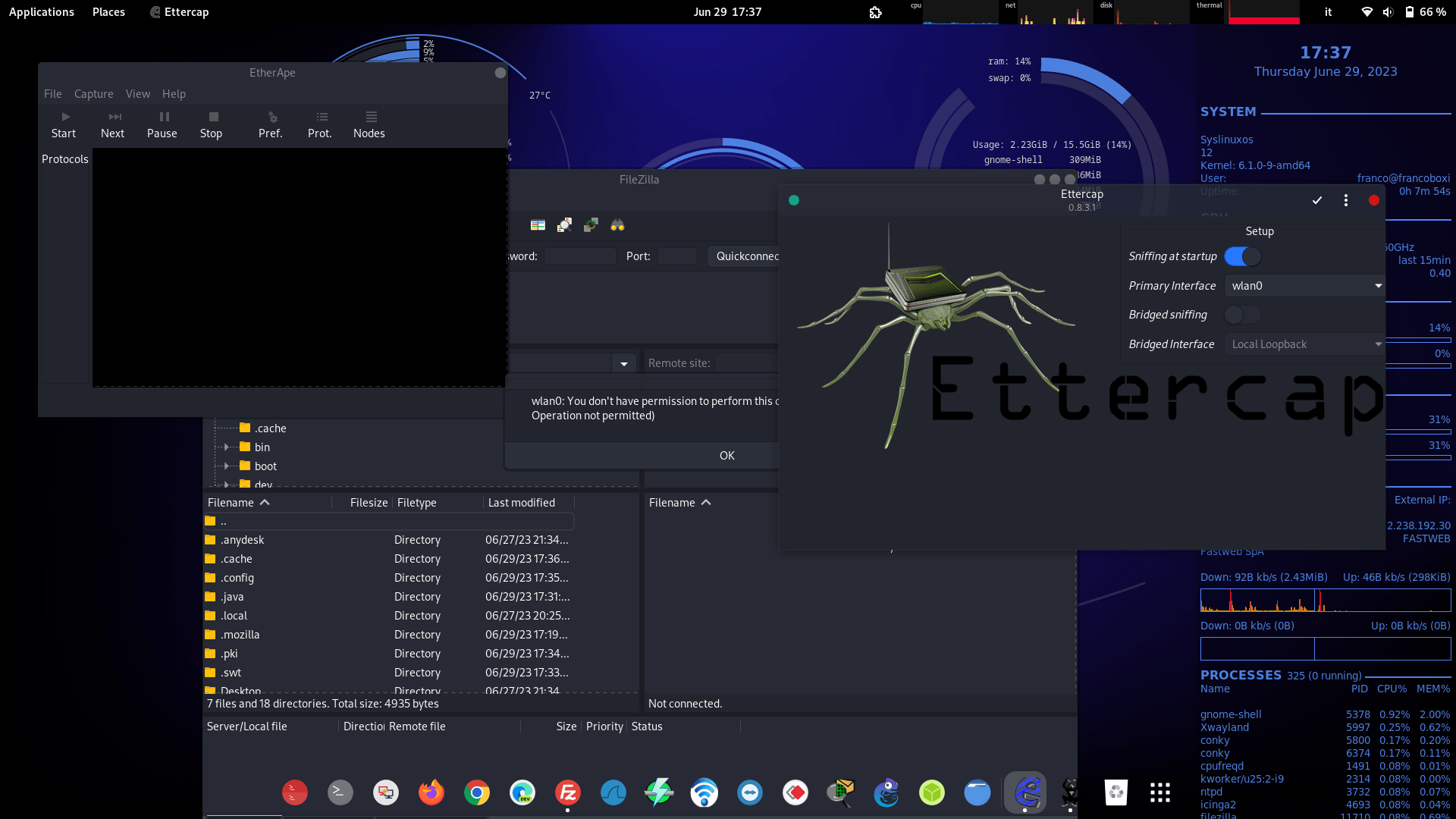
Wireshark, EtherApe, Ettercap, PackETH, Packet Sender, Nmap, Sparrow-Wifi — and much more.
10.2 Remote Access and Administration
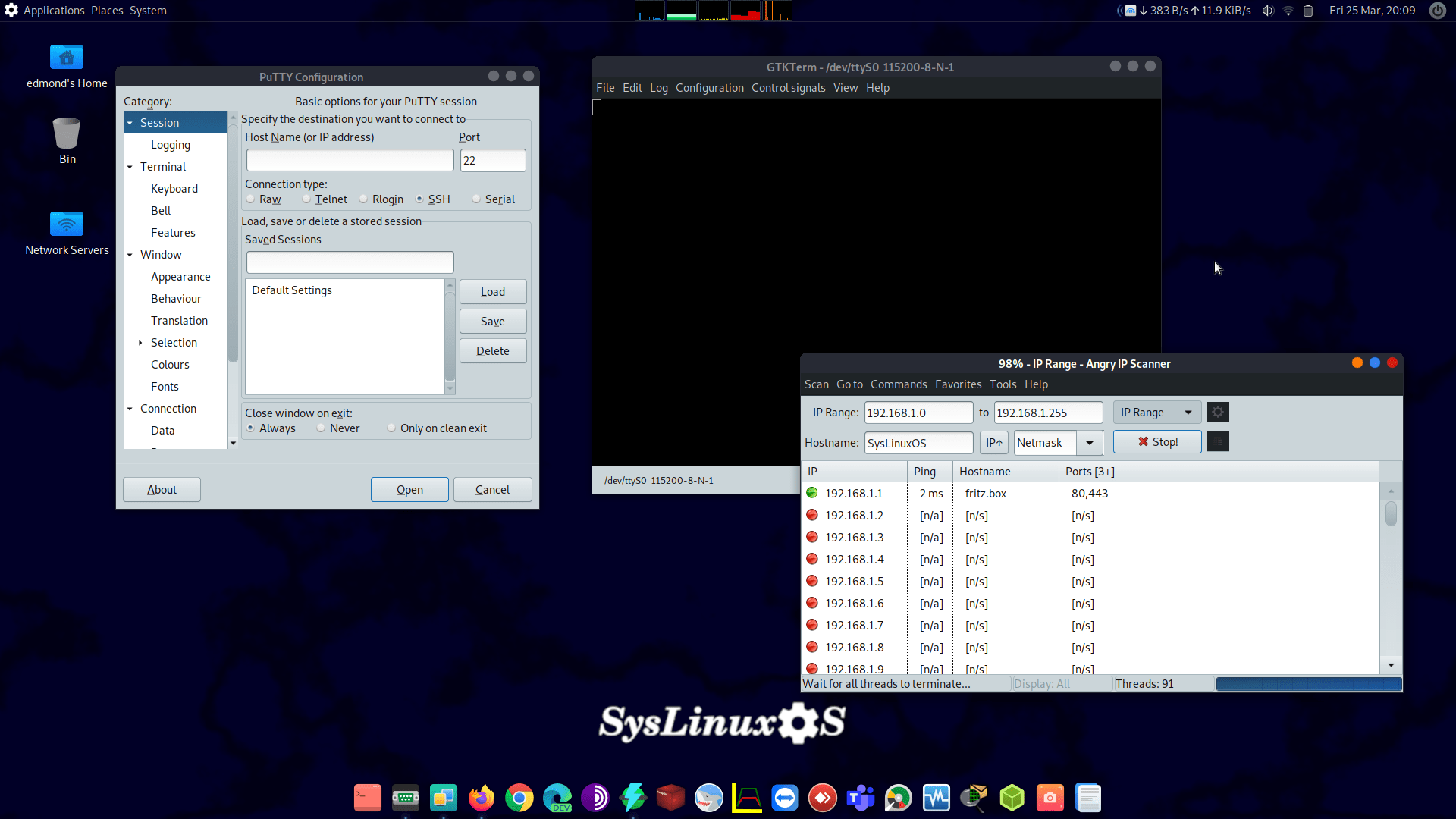
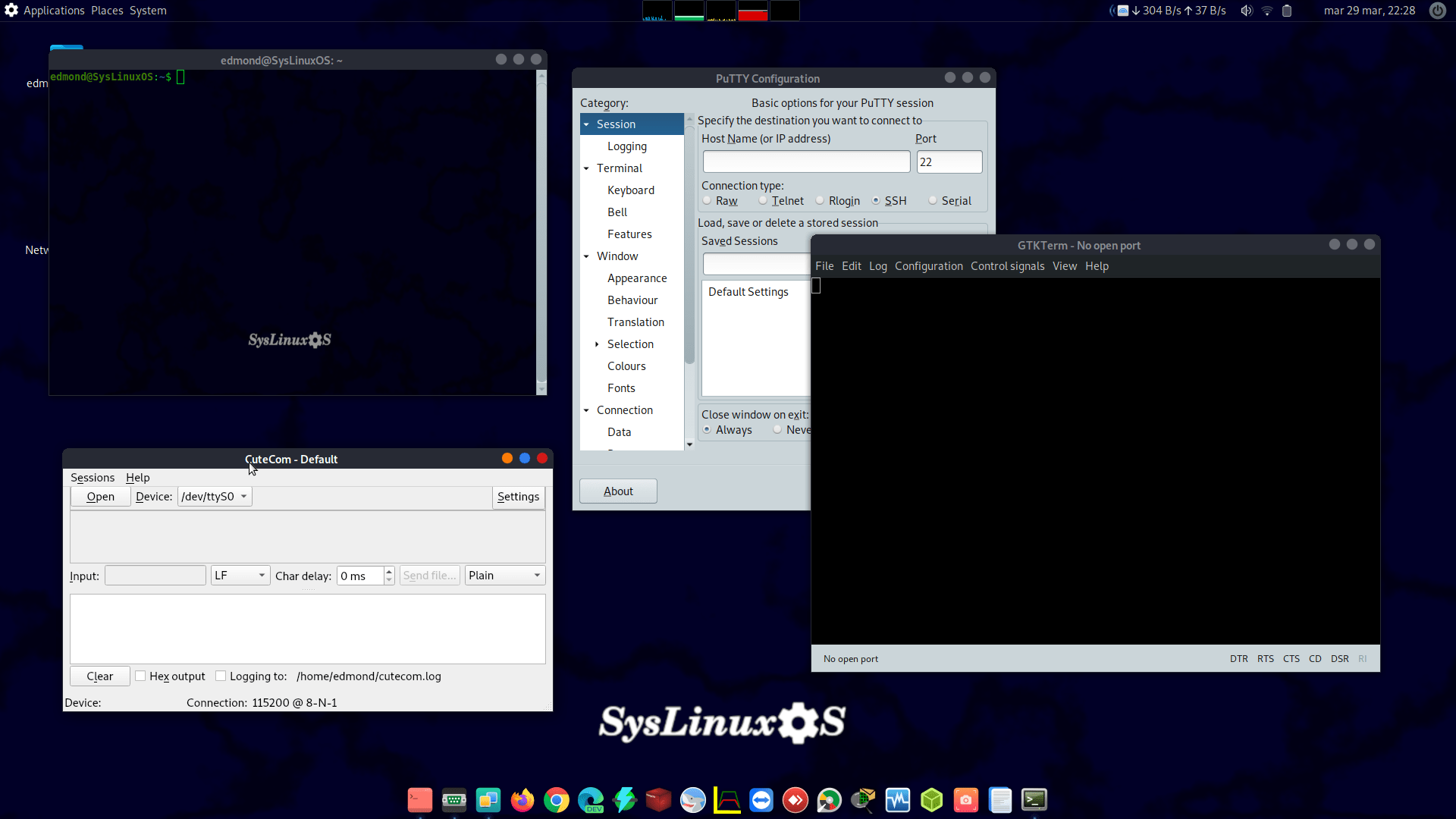
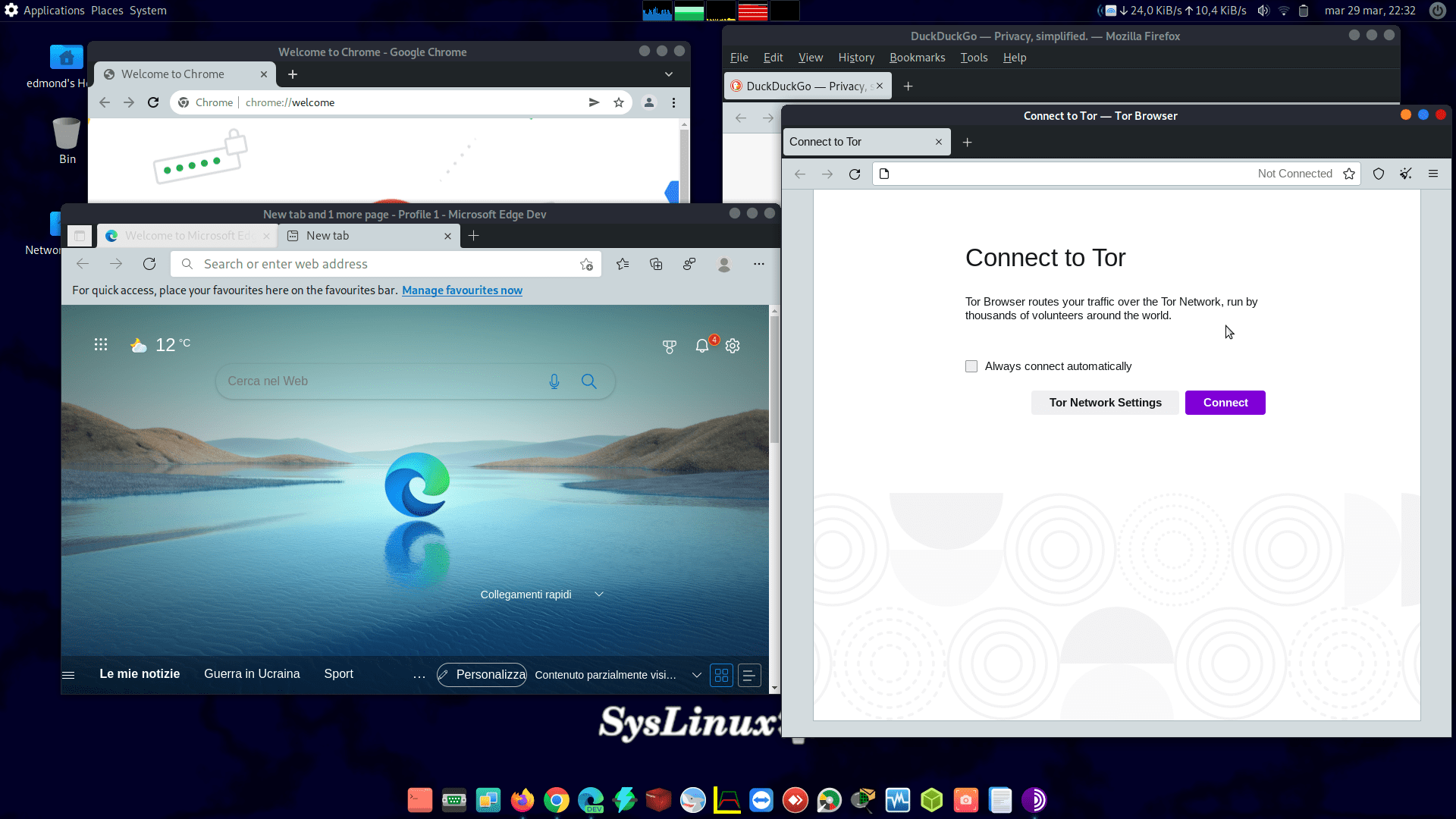
Major VPN clients, PuTTY, serial console utilities, multiple web browsers.
10.3 Virtualization and Simulation
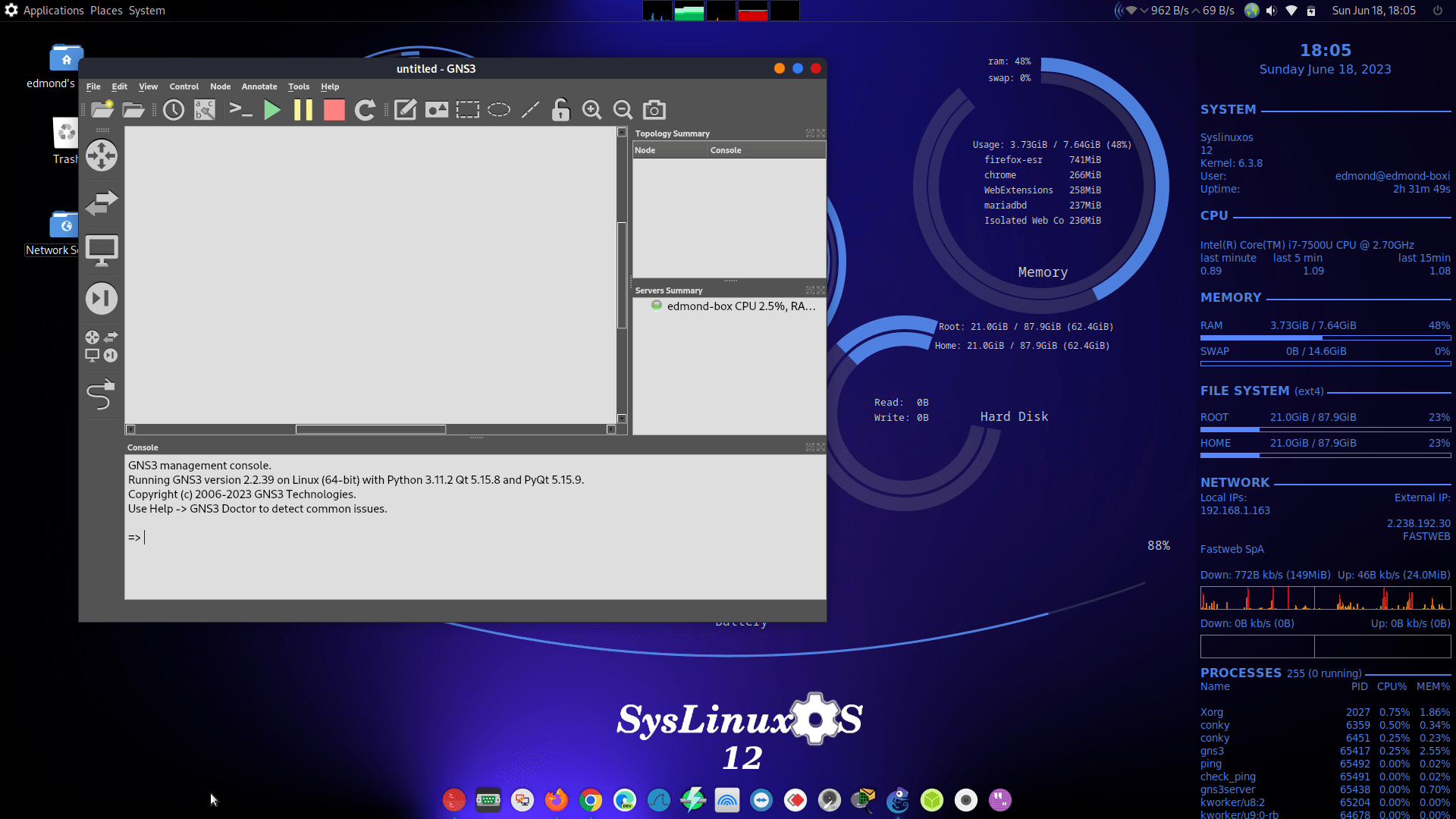
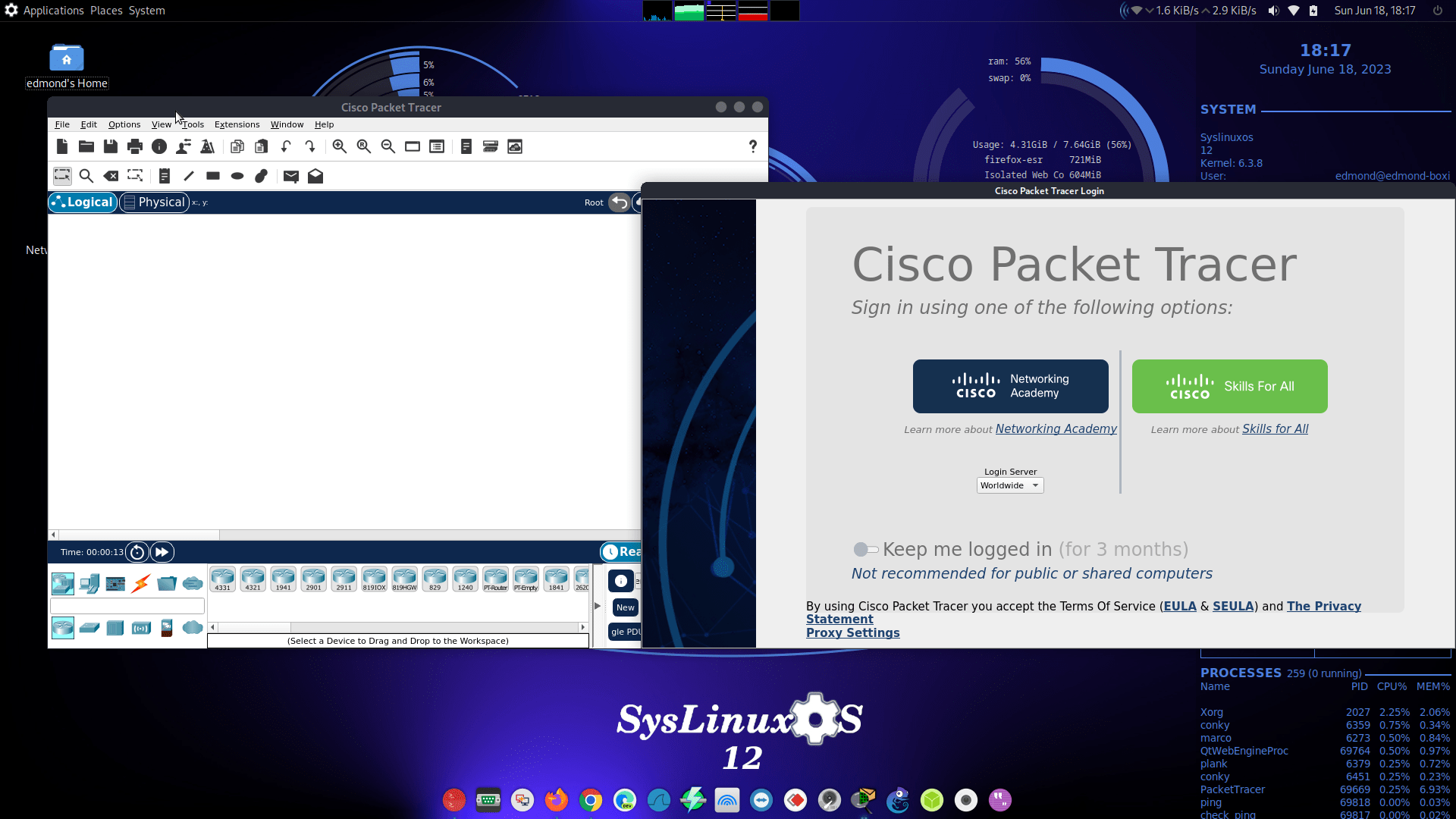
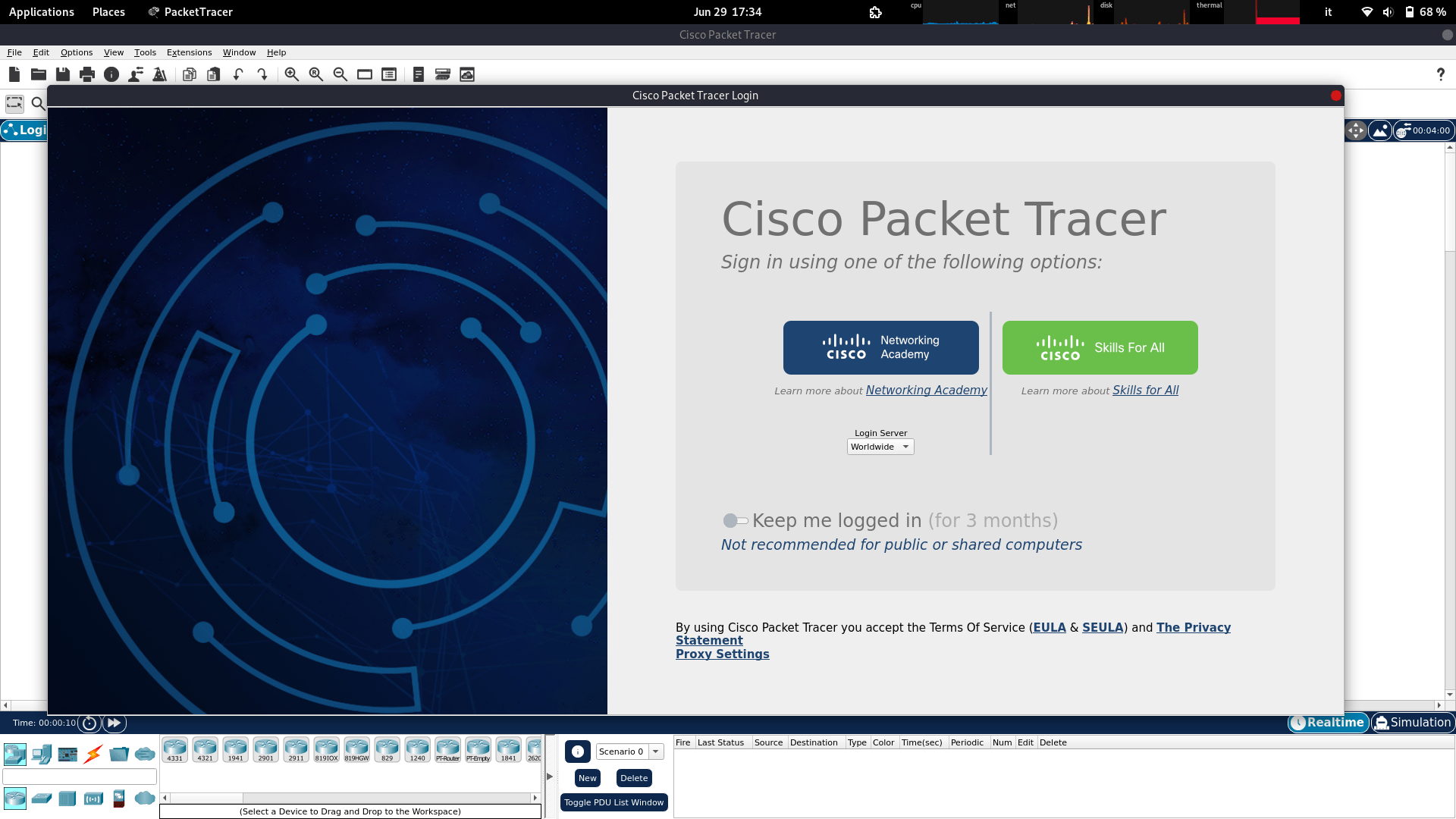
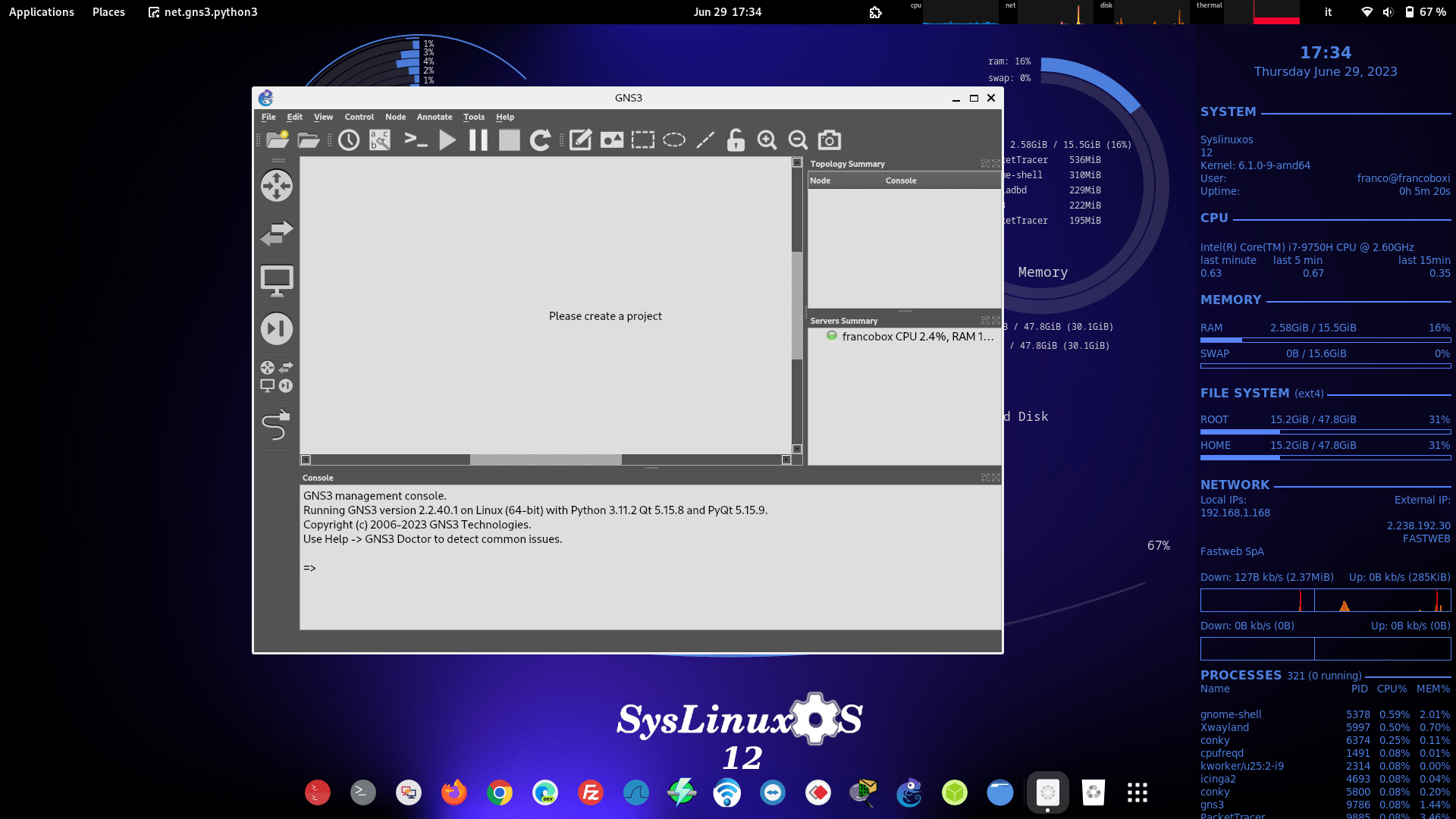
Cisco Packet Tracer 9.0, VirtualBox 7.2.
10.4 Monitoring and Management
Munin, Zabbix-agent2, Icinga, Monit, Nagios4.
10.5 Snapshot, Clone and Backup Tools
- syslinuxos-snapshots — the snapshot engine (snapper setup, syslinuxos-rollback, GRUB integration).
- grub-btrfs — snapshots in the boot menu.
- distroClone — build a Live ISO from the running system or clone the installation to another disk (btrfs-aware).
- distroclone-backup — versioned external backups with snapper.
10.6 Compatibility and Utilities
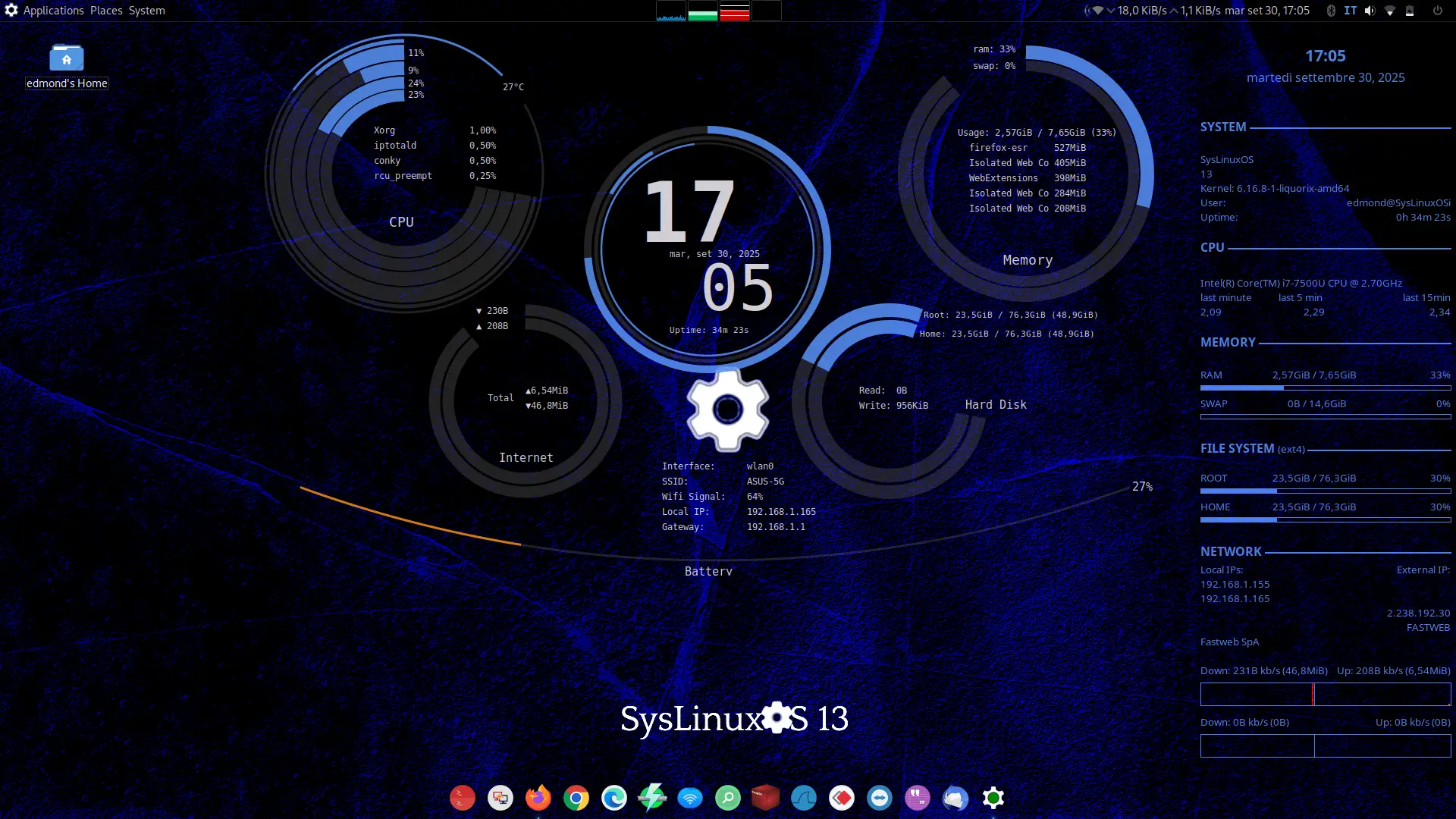
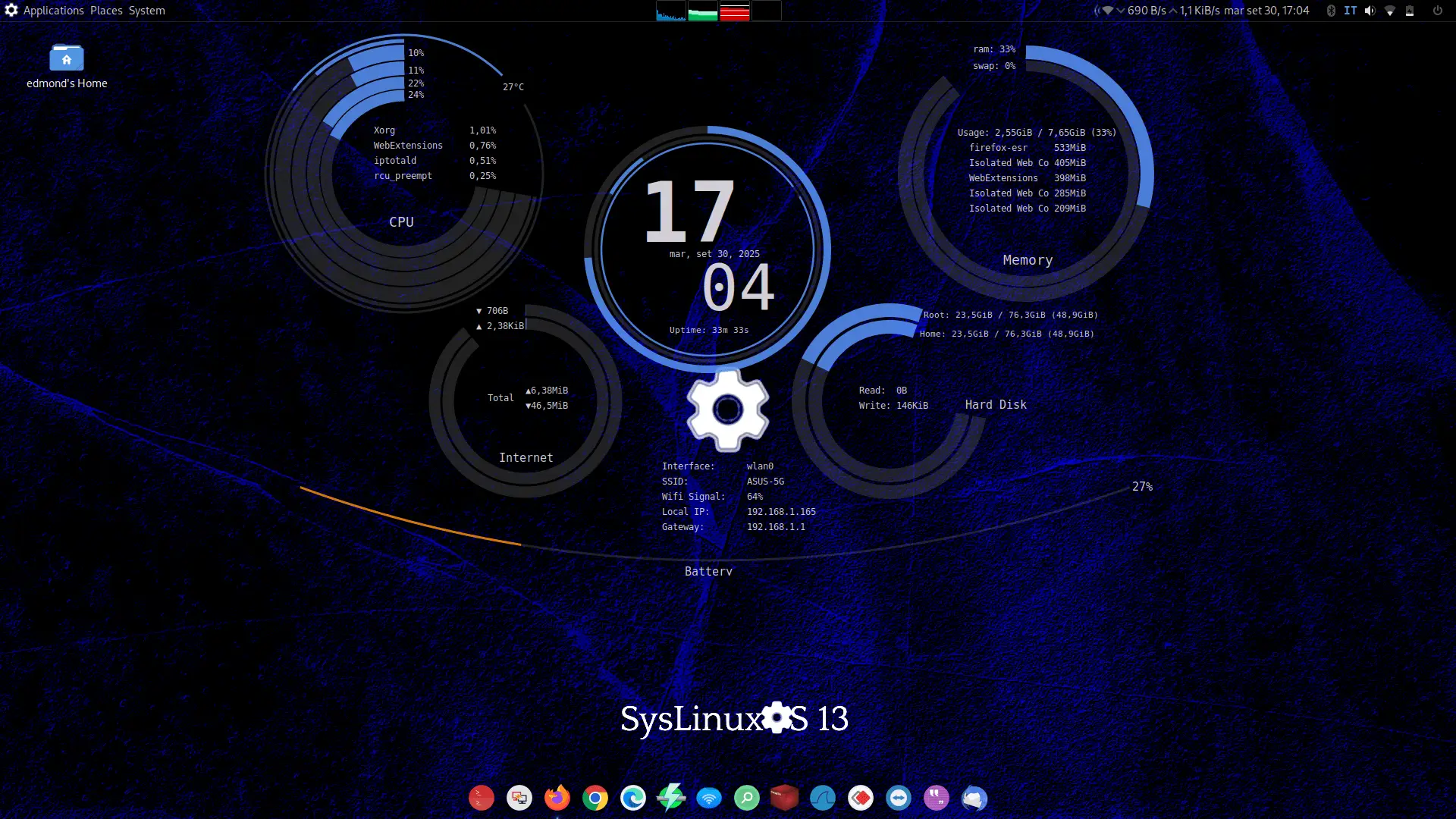
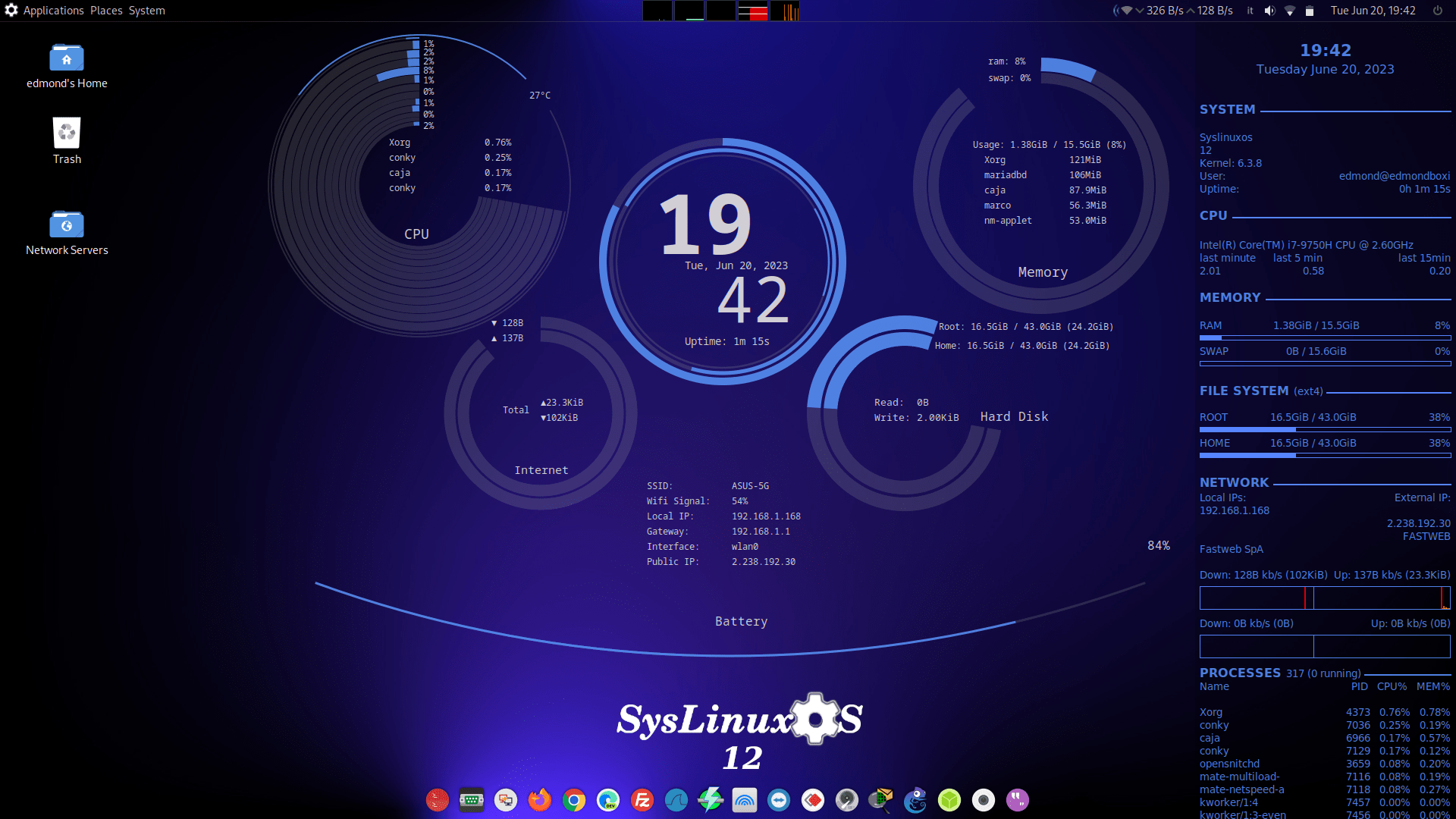
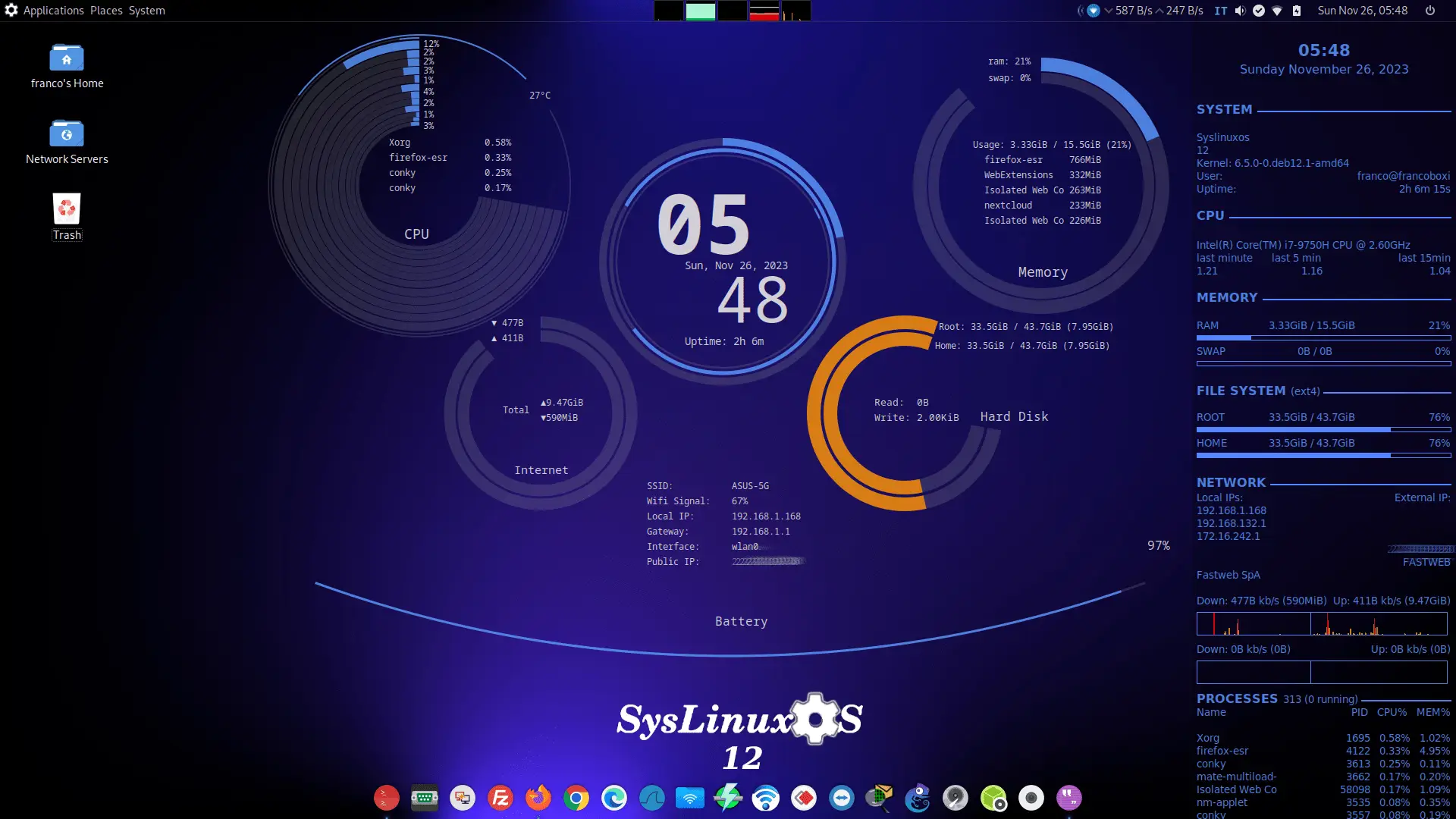
Wine, standard GNU/Linux administration tools, Conky system widget.
10.7 AI Tools
Native AI integration, ready from first boot:
- Claude Code and the Claude desktop app — an AI agent with real access to the running system: disks, filesystem, services, logs.
- Codex (CLI) and the ChatGPT desktop app.
- terminal-system — a two-panel terminal that turns natural-language instructions into shell commands, confirmed before they run (allowlist-based automatic mode for read-only commands).
- terminal-router — records tmux sessions of router and switch CLI work so an AI agent can follow network troubleshooting in real time.
11. Professional Toolkit Expansion
In addition to the base toolkit installed out of the box, SysLinuxOS 13.2 introduces syslinuxos-install-extras, a single command that installs entire professional stacks on demand:
sudo syslinuxos-install-extras networking   # DNS, DHCP, VPN, BGP/OSPF, HA, proxy, IDS
sudo syslinuxos-install-extras devops       # monitoring, logging, containers, K8s, IaC
sudo syslinuxos-install-extras cloud        # AWS/Azure/GCP CLI, virtualization, storage
sudo syslinuxos-install-extras full         # all categories in one shot
sudo syslinuxos-install-extras repos        # add official Grafana, HashiCorp, Helm repos
This keeps the base ISO lean while letting users turn a fresh installation into an enterprise networking workstation, a monitoring node, a virtualization host, or a cloud workstation with a single command.
12. Monitoring and Observability
SysLinuxOS integrates monitoring tools suitable for local and remote observation of system state:
- Resource utilization (CPU, memory, storage)
- Network throughput and interface status
- Service monitoring and alerting
These components are preinstalled but remain configurable according to deployment requirements.
13. Installation
SysLinuxOS can be used in two modes:
- Live mode: Immediate access without installation
- Installed mode: Permanent installation using the Calamares installer
The installer is customized for SysLinuxOS and supports:
- Automatic btrfs subvolume layout (@ / @home)
- Preconfigured snapshots, rollback, and GRUB snapshot menu after install
- Automated post-install configuration
- UEFI and BIOS systems
- Standard partitioning schemes
14. Intended Audience
SysLinuxOS is intended for:
- System integrators
- System administrators
- Network engineers
- Advanced Linux users
A working knowledge of Linux system administration is assumed.
15. Use Cases
Typical use cases include:
- System integration and deployment
- Network diagnostics and analysis
- Infrastructure monitoring
- Incident response and recovery
- AI-assisted recovery and diagnostics
- Snapshot-based rollback and versioned system backups
- Virtualization and simulation environments
- Skilled-user desktop workstations
16. Relationship with Debian
SysLinuxOS remains fully compatible with Debian while introducing targeted modifications to improve professional usability.
Key differences include:
- Native AI tooling built into the Live image — Claude Code, Codex, terminal-system, terminal-router
- Debian Backports kernel selection
- btrfs by default with an integrated snapshot, rollback, and backup layer
- grub-btrfs boot integration and multi-installation detection
- syslinuxos-install-extras for on-demand professional stacks
- Enabled OS-Prober
- Traditional network interface naming
- Preinstalled professional toolchain
Debian remains the underlying foundation of the system.
17. Availability
SysLinuxOS is available as a live ISO image in two editions:
- SysLinuxOS MATE
- SysLinuxOS GNOME
Both editions provide identical system capabilities.
18. System Requirements
- Architecture: amd64
- Memory: minimum 4 GB RAM (8 GB recommended)
- Storage: minimum 25 GB
- Firmware: BIOS or UEFI
Login:
user = admin
password = root