

SysLinuxOS 13.1 for System Integrators Released
SysLinuxOS 13.1 for System Integrators Released
I’m proud to announce the release of SysLinuxOS 13.1
SysLinuxOS 13.1 is a maintenance and stabilization release of the Debian-based Linux distribution specifically designed for System Integrators and System Administrators.This release focuses on reliability, consistency, and long-term maintainability, providing a production-ready operating system for professional IT environments. SysLinuxOS delivers a fully preconfigured system with an extensive set of networking, diagnostic, integration, and monitoring tools, reducing deployment time and eliminating the need for post-installation configuration.
Design Philosophy
SysLinuxOS is engineered as a professional working platform, not a general-purpose desktop distribution.
It targets environments where rapid deployment, predictable behavior, and operational readiness are critical.
Key design principles include:
Preconfigured networking and system services
Immediate operational readiness in live and installed modes
Consistent behavior across hardware platforms
Full compliance with Debian standards
Long-term maintainability and reproducibility
Release Highlights
System Stability and Reliability
SysLinuxOS 13.1 resolves multiple issues identified in version 13.0, with a strong focus on system robustness and predictable behavior:
Optimized boot sequence, reducing startup times
Improved UEFI compatibility on modern hardware platforms
Resolution of post-installation configuration inconsistencies
Refined dependency handling to prevent update-time conflicts
Definitive resolution of critical package dependency issues (including
nagios4,exim4-base, and related components)
Live Environment Configuration
Both desktop editions (MATE and GNOME) provide automatic login in live mode, enabling immediate system access without authentication prompts.
This configuration is intended for:
Rapid hardware evaluation
On-site diagnostics and recovery
Incident response and emergency troubleshooting
Demonstrations and proof-of-concept deployments
Networking and Wireless Analysis
Sparrow-Wifi Integration
SysLinuxOS 13.1 integrates Sparrow-Wifi, extending the distribution’s wireless diagnostics capabilities:
Comprehensive scanning of surrounding Wi-Fi networks
Real-time signal strength and quality analysis
Channel optimization and interference detection
Advanced troubleshooting of wireless connectivity issues
Integration with existing analysis tools such as Wireshark, EtherApe, and Ettercap
Desktop Environment Consistency
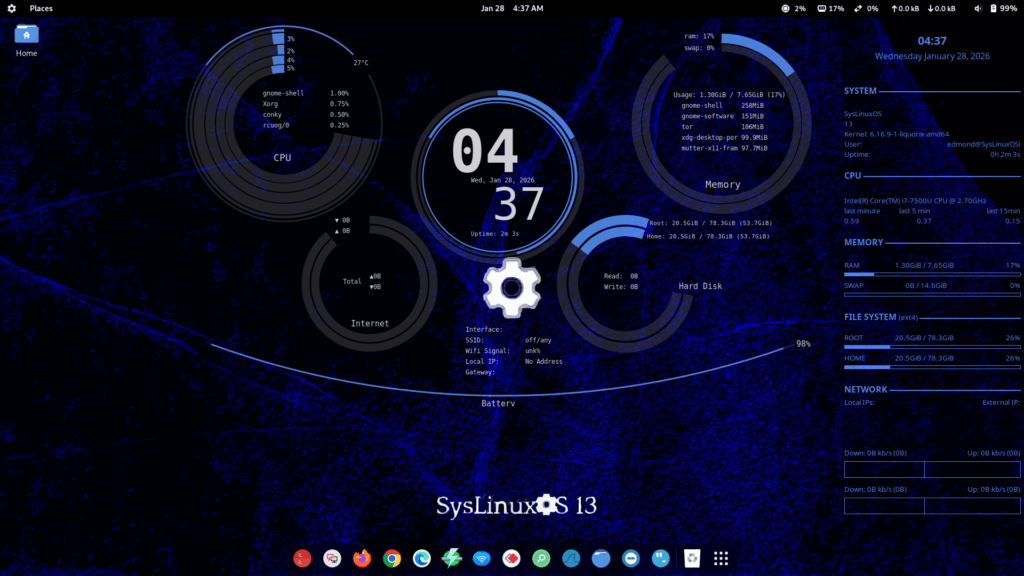
A key objective of this release was achieving functional and visual parity between MATE and GNOME editions.
SysLinuxOS 13.1 delivers a uniform desktop experience across both environments:
Consistent themes and icon sets
Unified branding and wallpapers
Identical application menu structures
Harmonized UI configuration parameters
Persistent graphical customizations across system updates
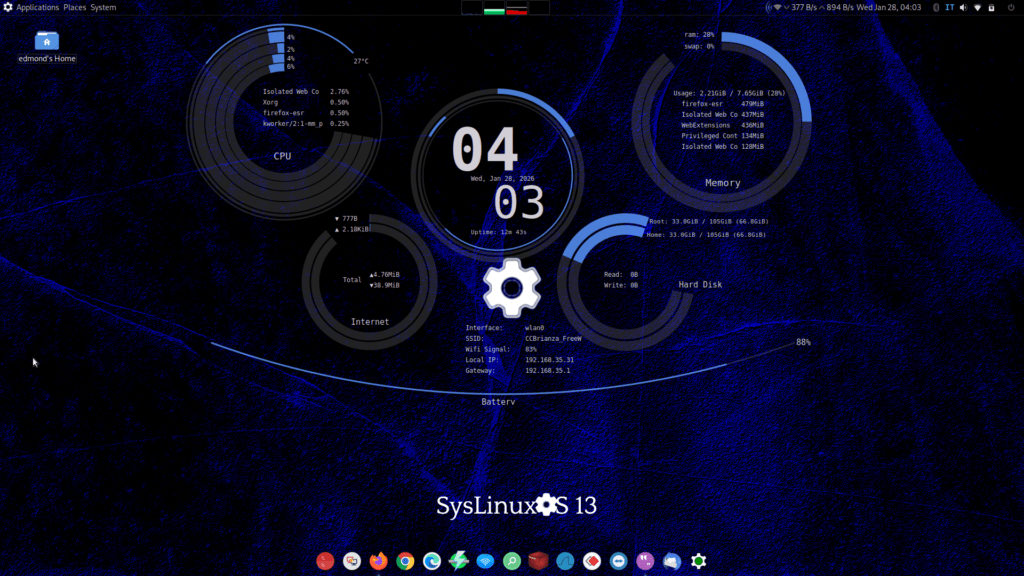
System Monitoring (Conky Suite)
SysLinuxOS 13.1 includes a standardized Conky-based monitoring framework, available on both desktop editions.
System Monitoring
Per-core CPU utilization
Real-time RAM and swap usage
Thermal monitoring (CPU, GPU, storage devices)
Disk utilization and mounted filesystems
Top resource-consuming processes
System load averages
Network Monitoring
Local IP addresses per interface
Real-time network throughput (ingress/egress)
Interface status (e.g., eth0, wlan0)
Default gateway and routing information
Public Connectivity
Public IP address detection
ISP and organization identification
Internet connectivity status
The monitoring layout is optimized for 1920×1080 displays and remains fully configurable for alternative resolutions and multi-monitor deployments.
Installation Framework (Calamares)
The Calamares installer has been extensively customized to meet enterprise deployment requirements:
Native SysLinuxOS branding and visual identity
Predefined installation profiles optimized for professional use
Recommended partitioning schemes for system integrators
Automated post-installation configuration of services
Full compatibility with both desktop environments
Support for UEFI and legacy BIOS systems
Rapid installation workflow without sacrificing completeness
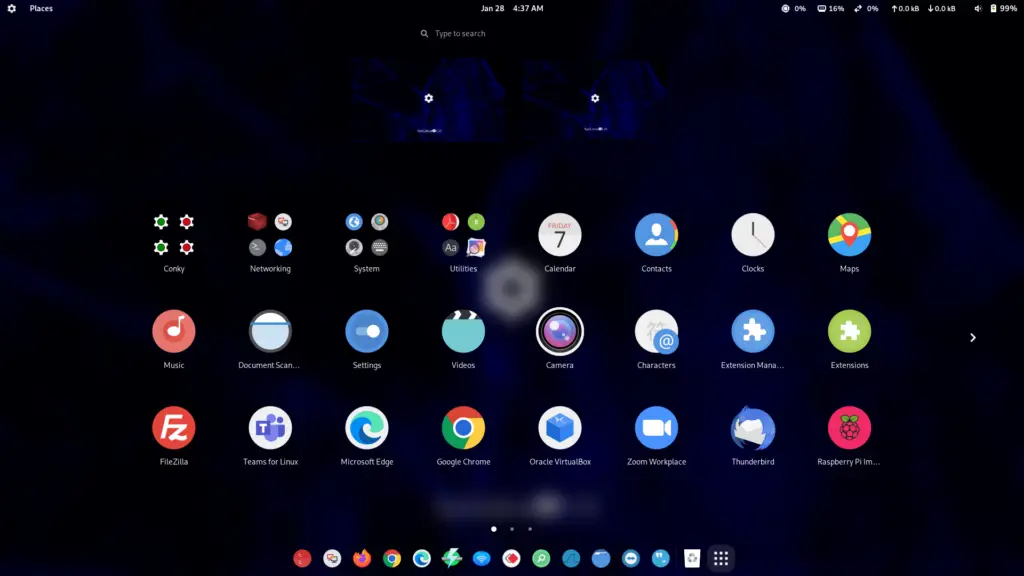
Application Menu Stability
Menu instability following customization with Mozo (MATE) or Alacarte (GNOME) has been fully resolved:
Menu structures compliant with freedesktop.org standards
Stable behavior after menu editor usage
Persistence across system updates
Removal of duplicate application entries
Preservation of user-defined customizations
Build Process and Compliance
SysLinuxOS 13.1 is built using live-build, the official Debian live system creation framework, ensuring:
Full adherence to Debian packaging and build standards
Reproducible and auditable build processes
Long-term maintainability without third-party build tools
Direct integration with official Debian repositories
Enterprise-grade system consistency
Kernel and System Behavior
SysLinuxOS 13.1 ships with the Liquorix 6.16.8-1 kernel, selected for its balance between performance and stability:
Low-latency scheduling suitable for real-time workloads
Improved desktop and interactive responsiveness
Extended support for modern hardware platforms
Performance optimizations without compromising system stability
OS-Prober remains enabled by default, ensuring reliable detection of existing operating systems during GRUB configuration.
Network Interface Naming
Traditional network interface naming conventions (eth0, wlan0, etc.) are used in place of systemd’s predictable naming scheme. This decision supports:
Simplified scripting and automation
Faster operational troubleshooting
Compatibility with existing enterprise documentation
Portability of network configurations across systems
Available Editions
SysLinuxOS 13.1 MATE
Lightweight and resource-efficient desktop environment suitable for classic workflows and performance-sensitive systems.SysLinuxOS 13.1 GNOME
Modern desktop environment offering a contemporary user interface while maintaining full professional functionality.
System Requirements
Architecture: 64-bit (amd64)
Memory: Minimum 4 GB RAM (8 GB recommended for professional environments)
Storage: Minimum 25 GB available disk space
Firmware: Legacy BIOS or UEFI
SysLinuxOS 13.1 for System Integrators Released
Pingback: Things to Do After Installing SysLinuxOS 12 - SysLinuxOS
Pingback: Primi passi - SysLinuxOS