

LAN Discovery is a graphical application for finding reachable devices on a local IP network and understanding which services they expose. Version 1.0.2 combines IP scanning, local history, comparison, device inventory, informational security checks and an inferred network map. You can find it in the SysLinuxOS Tools and Networking menus on SysLinuxOS. You can install on Debian 13 o debian based.
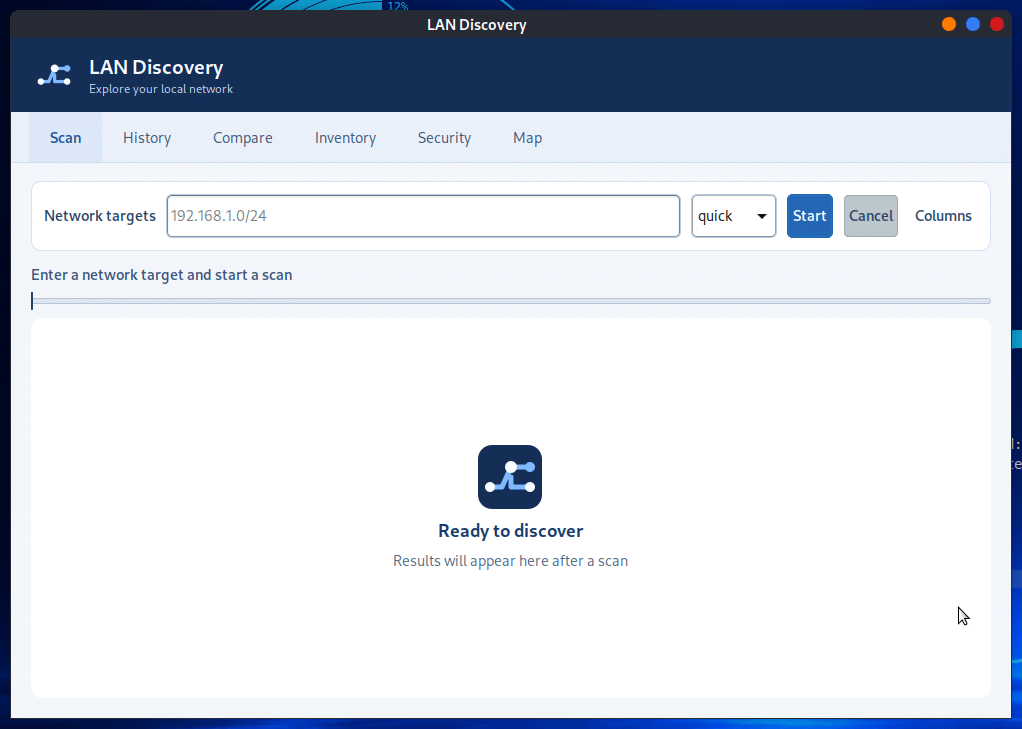
What LAN Discovery shows
For each detected host, the results table can show its IP address, hostname, MAC address, vendor, latency, open ports, services and operating system hints. Which fields are available depends on the scan profile, permissions and device responses. An empty field does not prove that a feature or port is absent.
You can scan one address or a CIDR network, including IPv6. The Columns control selects the details shown in the table. Progress and status remain visible during a scan, and Cancel stops the active operation.
Scan profiles and optional protocols
ping: discovers hosts without scanning ports.
quick: checks common ports for a faster overview.
full: scans ports 1–65535 and, when available, gathers service details and operating system hints; it also enables mDNS and SSDP.
security: runs selected informational service checks through a fixed set of Nmap scripts.
Custom profiles can add traceroute and SNMP queries as well as mDNS and SSDP. SNMP uses a community supplied at scan time; it is not saved in the scan history. Optional discovery depends on the corresponding tools and on devices responding to those protocols.
History, comparison and device inventory
Scans are stored locally and can be reopened from History. Compare shows newly seen, missing or changed hosts. To avoid misleading alerts, new and missing hosts are reported only when both scans are complete and have comparable target coverage and discovery methods. A cancelled scan is not compared as complete, and scans with different privilege modes are not considered comparable.
Inventory lets you attach a name, notes and tags to a device key, making results easier to recognize later. A saved scan can be exported as CSV, JSON or a standalone HTML table.
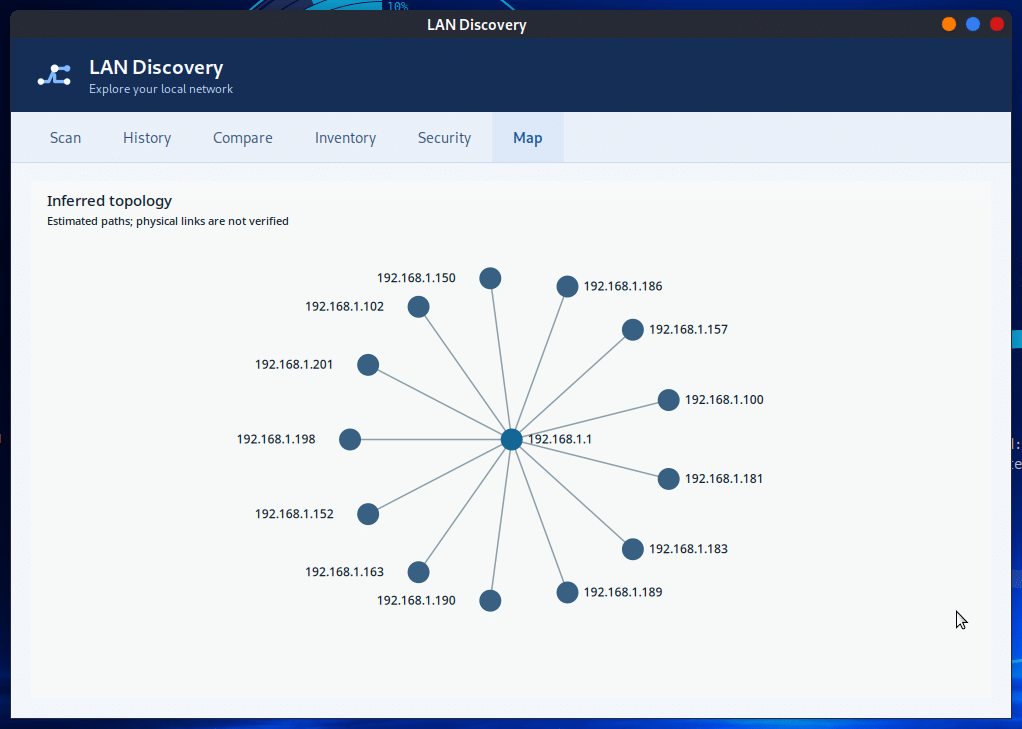
Network map: inferred topology
The Map view places discovered hosts around the gateway. You can zoom, pan, move nodes and select a host to return to its result row. The topology is explicitly inferred: lines are an estimate and do not reveal a switch port or prove physical cabling.
Security findings and host actions
Security collects observations from selected Nmap checks. Examples include an open Telnet service, anonymous FTP access, weak SMB or SSH configuration, risky HTTP methods and expired TLS certificates. These findings are prompts for manual review, not a security certification or automatic proof of a vulnerability.
Right-click a host to copy its IP address or launch SSH, RDP, a browser, ping or traceroute. Wake on LAN is available when a MAC address is known. Actions that open other programs require the corresponding client to be installed.
Install LAN Discovery
If the SysLinuxOS Tools APT repository is already configured, install the package with:
sudo apt update
sudo apt install landiscovery
Alternatively, download LAN Discovery 1.0.2 from GitHub Releases and install the package from its directory:
sudo apt install ./landiscovery_1.0.2_all.deb
The package brings in Nmap, arp-scan and the GTK/polkit dependencies. Avahi and SNMP tools enable optional discovery. From a terminal, start the graphical app with landiscovery gui or lds gui.
Run and review a scan
Enter your router address or a network such as 192.168.1.0/24, choose quick and select Start. Approve the polkit prompt if privileged steps are needed. After the scan, open History to revisit the result; repeat it later and use Compare to inspect reliable changes.
The command line also provides scanning, history, comparison and export:
landiscovery scan 192.168.1.0/24 --profile quick
landiscovery history
landiscovery compare 1 2
landiscovery export 2 --format html -o scan.html
Precautions and limits
Scan only networks you manage or are authorized to inspect. Large or public ranges require confirmation, and IPv6 networks wider than /112 are rejected. Without the required permissions, some details are unavailable and the GUI marks the result as reduced. Firewalls, offline devices and intermittent responses can change what appears. The map remains an estimate rather than a physical network diagram.
For a closer look at wireless access points, read the SysLinuxOS WiFi Analyzer guide. For system maintenance, see SysLinuxOS Care.
Downloads and source code
Source code, documentation and screenshots
Version 1.0.2 release and Debian package
SysLinuxOS Tools APT repository
Leggi l’articolo in italiano: LAN Discovery: scoperta e mappa della rete locale.
LAN Discovery: Local Network Discovery and Map