

SysLinuxOS 13.3 ships in both MATE and Gnome editions. Compared to 13.2 it brings a long list of under-the-hood fixes, but the real headline of this release is something else: for the first time, an agentic AI is natively built into the Live session, ready to work on the real running system, disks, filesystems, services, logs with nothing to install or configure. It’s the single biggest leap forward in the project’s history.
The AI Debut in the Live Session
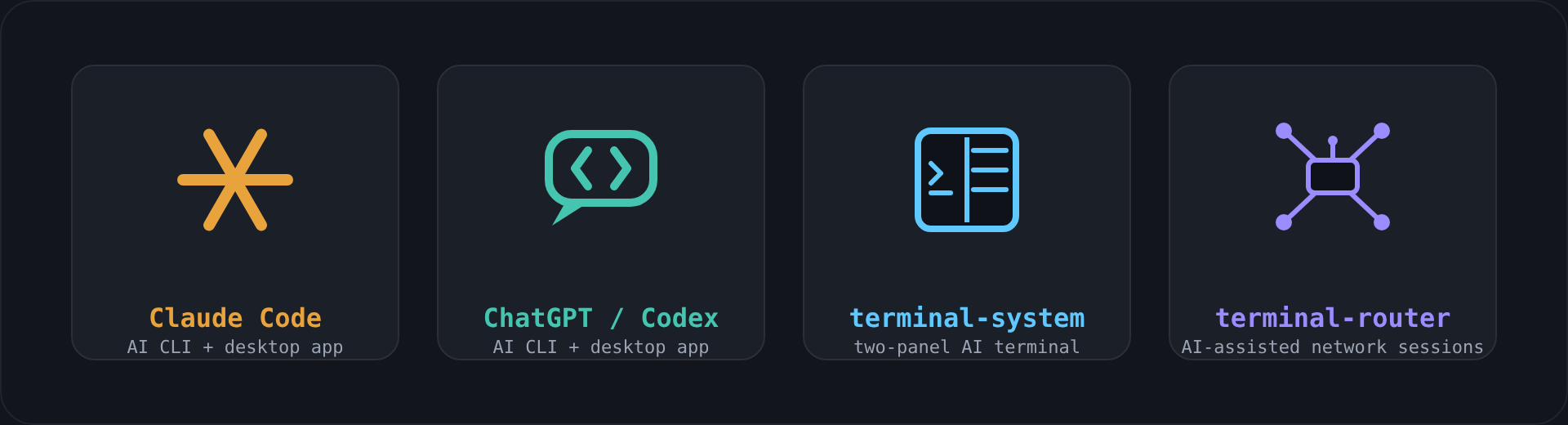
Every SysLinuxOS 13.3 Live image ships ready to use with Claude Code and the Claude desktop app, alongside Codex (CLI) and the ChatGPT desktop app. Boot the Live image, sign in, and you have an AI agent with real access to the running system. Agentic distributions like Omarchy have already brought AI CLIs into everyday desktop use; SysLinuxOS 13.3 brings the same AI into the scenario Live images exist for in the first place: recovery fully aware of the btrfs subvolume layout the system uses by default.
Live distributions have existed for decades for one precise reason: recovery. A system won’t boot, you grab a USB stick, and you try to figure out what’s wrong using the classic toolkit: manual chroot, fdisk, grub-install, reading logs. With SysLinuxOS 13.3 that same scenario changes shape: boot the Live image, open a terminal, launch Claude Code, and describe the problem in plain language. The agent explores the system on its own and proposes or executes, if authorized the fix.
Real-World Case: Broken GRUB on a Multi-Boot PC
A direct, first-hand test: a multi-boot PC running several Linux distributions on btrfs with subvolumes stops booting because of a corrupted GRUB. The procedure followed:
- Boot from a SysLinuxOS 13.3 Live USB.
- Open a terminal and launch Claude Code.
- Ask, in plain language, to scan the system and reinstall GRUB on the correct btrfs subvolume.
- The agent identifies disks and partitions, recognizes the btrfs layout with its subvolumes (
@,@home), locates the one containing the installation to repair, chroots into it, reinstalls GRUB, and regeneratesgrub.cfg. - On reboot, the system comes back up — no manual intervention required.
An operation that normally requires specific expertise in GRUB, btrfs, and manual chroot work, carried out end to end by an AI agent acting on its own, starting from a single natural-language request. It’s the clearest possible example of what it means to have AI genuinely built into a recovery Live image.
terminal-system and terminal-router: AI in the Everyday Workflow
Beyond Claude Code and ChatGPT/Codex in their “pure” form, SysLinuxOS 13.3 also ships two tools built for the project itself, already listed as standalone entries in the Live session’s Applications menu:
- terminal-system: a two-panel terminal: on the right you type instructions in plain language (e.g. “create user Pippo”), on the left the AI-generated shell commands are typed and executed in real time. Every command waits for manual confirmation by default;
:auto readonlymode runs only genuinely read-only commands without asking. - terminal-router: built for network administrators: it records tmux sessions of router and switch CLI work (Cisco, Huawei, and similar), so Claude Code can follow what’s happening on the network device in real time during a troubleshooting session.
Their appearance as dedicated entries in the MATE and Gnome Applications menus is part of the broader menu polish carried out in this release.
Security: Allowlist, Not Blocklist
Giving an AI agent access to a real terminal calls for care. terminal-system, now at version 1.1.7, uses an allowlist-based security model: a command runs without confirmation only if its first token is a program explicitly recognized as read-only (ls, cat, grep, git status/log/diff, systemctl status, journalctl, and similar) and contains none of the shell metacharacters that could turn it into something else (redirects, pipes, backticks, $(), ;, &). Everything else always stops for explicit confirmation, even in automatic mode. Each session also runs on its own dedicated, isolated tmux server, and the optional context memory applies best-effort redaction of passwords, tokens, and API keys before storing any output.
Official SysLinuxOS APT Repository
The promise made with 13.2 a dedicated, signed APT repository is now reality. It’s live, GPG-signed, suite tirreno:
curl -fsSL https://fconidi.github.io/SysLinuxOS-Tools/client/install-repo.sh | sudo bash
From that point on, keeping SysLinuxOS tools up to date is a plain apt upgrade. Nine packages are available today: distroclone, distroclone-backup, syslinuxos-snapshots, grub-btrfs, syslinuxos-ring-conky, conky-window, librepods, terminal-system, terminal-router.
Under the Hood
- syslinuxos-snapshots 0.3.16
:/mntis now a dedicated btrfs subvolume, excluded from root snapshots: ISO builds, temporarily mounted disks, and other uses of/mntare no longer captured in system snapshots. - Snapshot boot on Gnome: fixed a hang that only occurred on Gnome, caused by
gdmtrying to restart on a read-only-mounted root. Snapshots now boot to console mode, exactly as MATE already did. - distroClone 1.4.13/1.4.14: fixes to the btrfs-aware build and locale handling, plus an explicit check on the real exit status of
xorriso: a failed ISO build is no longer reported as successful. - terminal-system 1.1.6/1.1.7: fixed a race condition in typing AI-generated commands into the left panel, added a timeout on AI engine calls, and raised daily snapshot retention to 5.
Testing
SysLinuxOS 13.3 has been validated in both MATE and Gnome editions, on systems with native snapper and on clones produced by distroClone, in addition to the real-world GRUB recovery case described above.
SysLinuxOS remains a distribution built for people who work seriously with Linux — but starting with this release, for the first time, facing a broken system no longer means facing it alone.
SysLinuxOS 13.3
Pingback: Le notizie minori del mondo GNU/Linux e dintorni della settimana nr 38/2026 - Aggregatore GNU/Linux e dintorni